We need Plan Designers to set basic rules on each group to ensure:
We govern the plan as intended and,
We generate the correct SPD for signature.
Here are the various rules we’ll need to set:
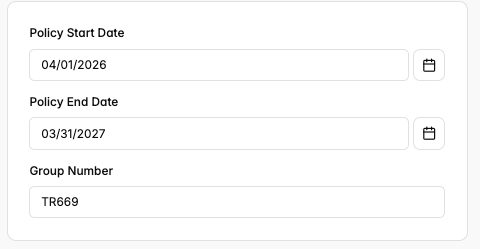
Policy Rules
This consists of the group’s start and end date and group number. The group number should be automatically generated by Yuzu. If the group wants to use a specific number that does not match the automatically generated one, please let your account manager know (this can impact pharmacy file fees downstream).
Enrollment Rules
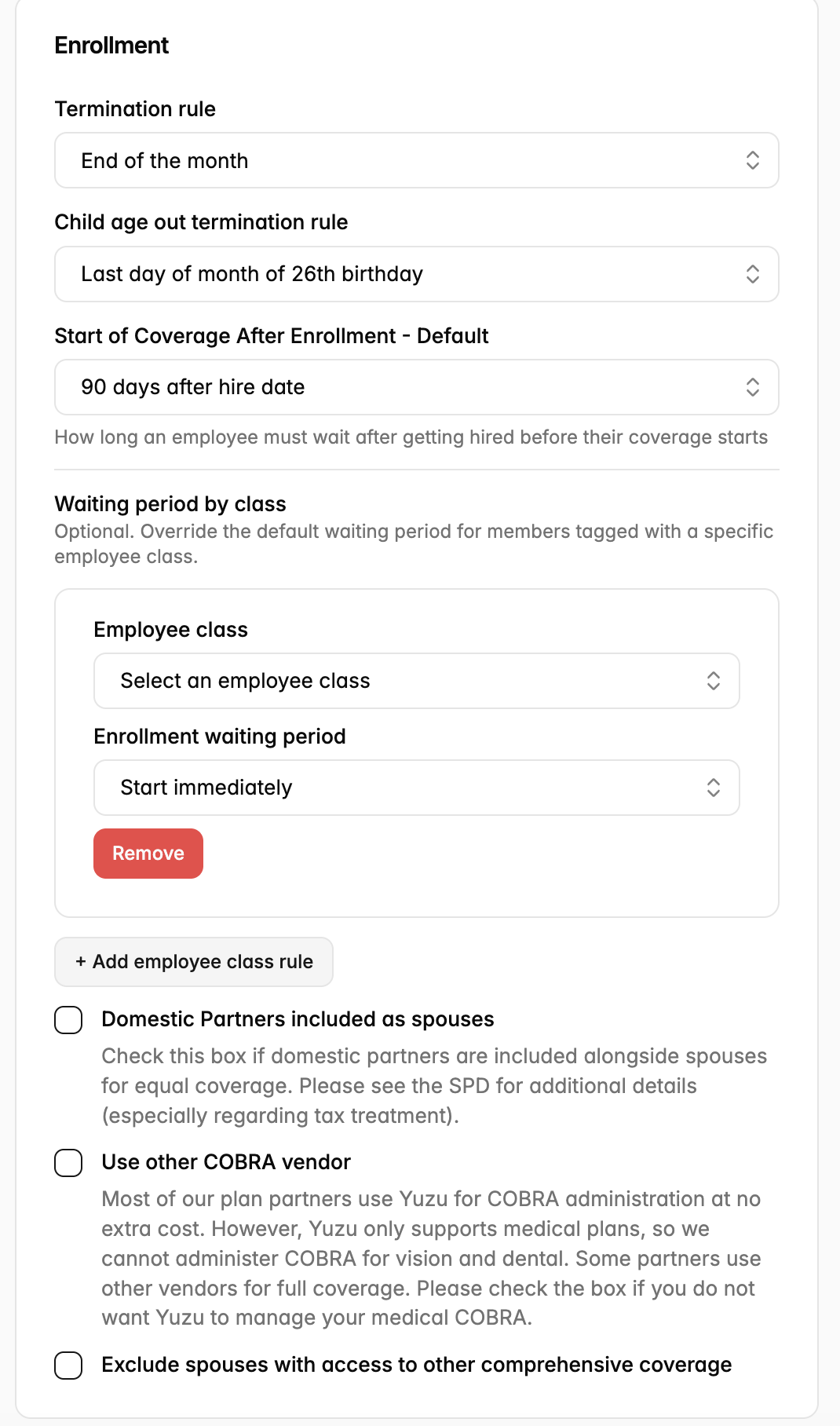
Enrollment rules deal with how members can join or leave the plan, which members are eligible, and how COBRA is managed:
Termination Rule: When terminated members lose coverage. This is either the last day of employment or the end of the month. NOTE: Yuzu does not offer pro-rated rates, so employers will be charged a full month’s fees for employees who are terminated mid-month.
Child Age Out Rule: Per the ACA, most plans have dependent children age out on the last day of the month of their 26th birthday. However, Yuzu also allows for dependent children to age-out of the plan at the end of the plan year of their 26th birthday for employers who want more generous dependent child coverage.
Enrollment Waiting Period: Yuzu offers two kinds of enrollment waiting period configuration: Days and Months. The Days options are more specific, consisting of “On hire date (immediate),” “On the day immediately following hire date,” “30 days after hire date,” etc. For more details, see guide: Waiting Period Option Definitions.
Optional: The waiting period could be based on the employee class: “hourly, salaried, temporary, seasonal, full time, part time, union, non-union. This overrides the default waiting period for members tagged with a specific employee class.
Domestic Partners Included as Spouses: If the plan would like domestic partners included as spouses, check the associated box.
Use other COBRA Vendor: Yuzu offers COBRA continuation coverage services at no extra cost, but only for medical plans (not vision or dental). Because of this, some groups choose to use an outside COBRA vendor for their COBRA continuation coverage needs. If you are using an outside COBRA vendor, please let your account manager know so we can configure your SPD properly. We may need additional information about the vendor.
Exclude Spouses with Access to Other Comprehensive Coverage: Some self-funded plans choose not to allow spouses with access to other comprehensive coverage on the plan. If this rule applies to you, please check the associated box.
Claims and Accumulator Rules
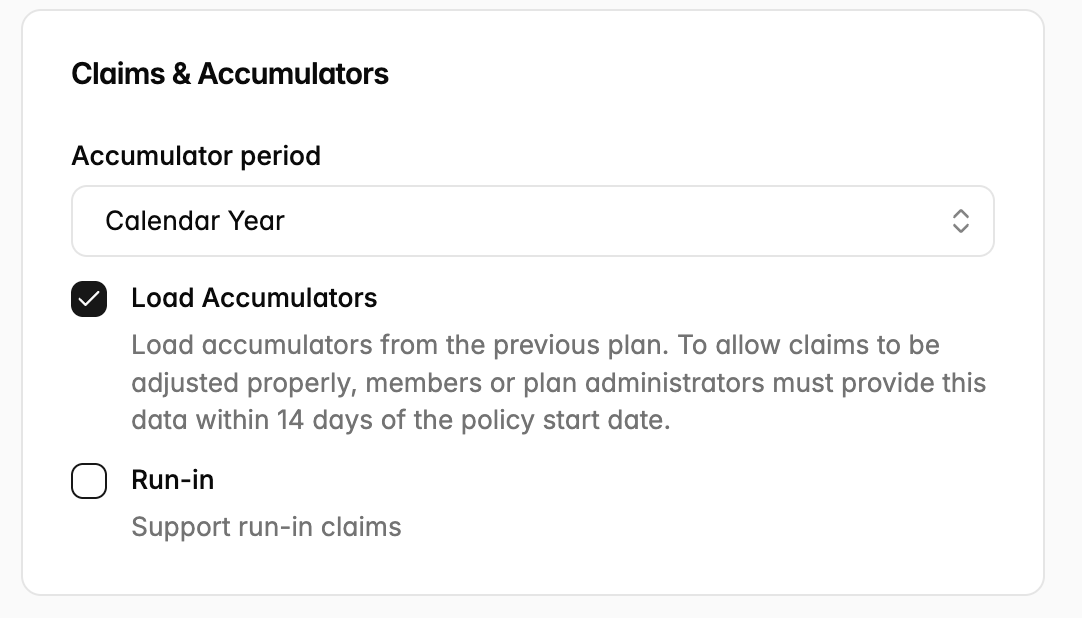
Claims and accumulator rules let Yuzu know what to expect when it comes to claims for a new group. These rules consist of:
The Accumulator Period: Set whether this is at the calendar year or plan year level here. NOTE: For non-calendar year plans, Yuzu’s strong preference is for plan year accumulator periods.
Load Accumulators: If you are choosing to run a calendar year accumulator period on a non-calendar year plan and want members to get credit for their accumulators, check the associated box.
Run-In: If you would like Yuzu to support run-in claims for a new group, check the associated box and let your account manager know. We will need to work together to obtain accumulator reports from the prior TPA.
Legal Rules
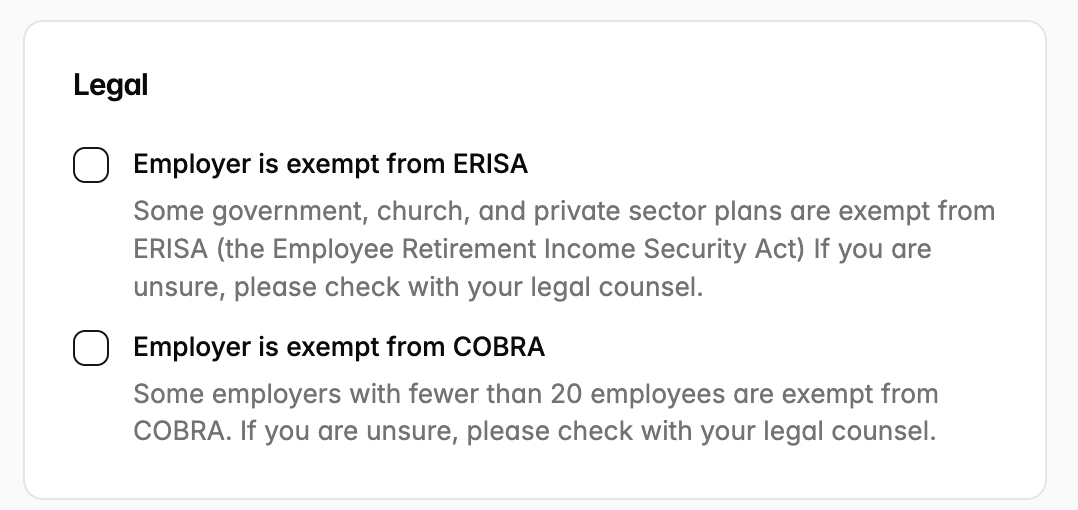
Legal Rules let us know if the group has any special exceptions, including being COBRA or ERISA-exempt.