

Although these actions may appear similar, they trigger different member states.
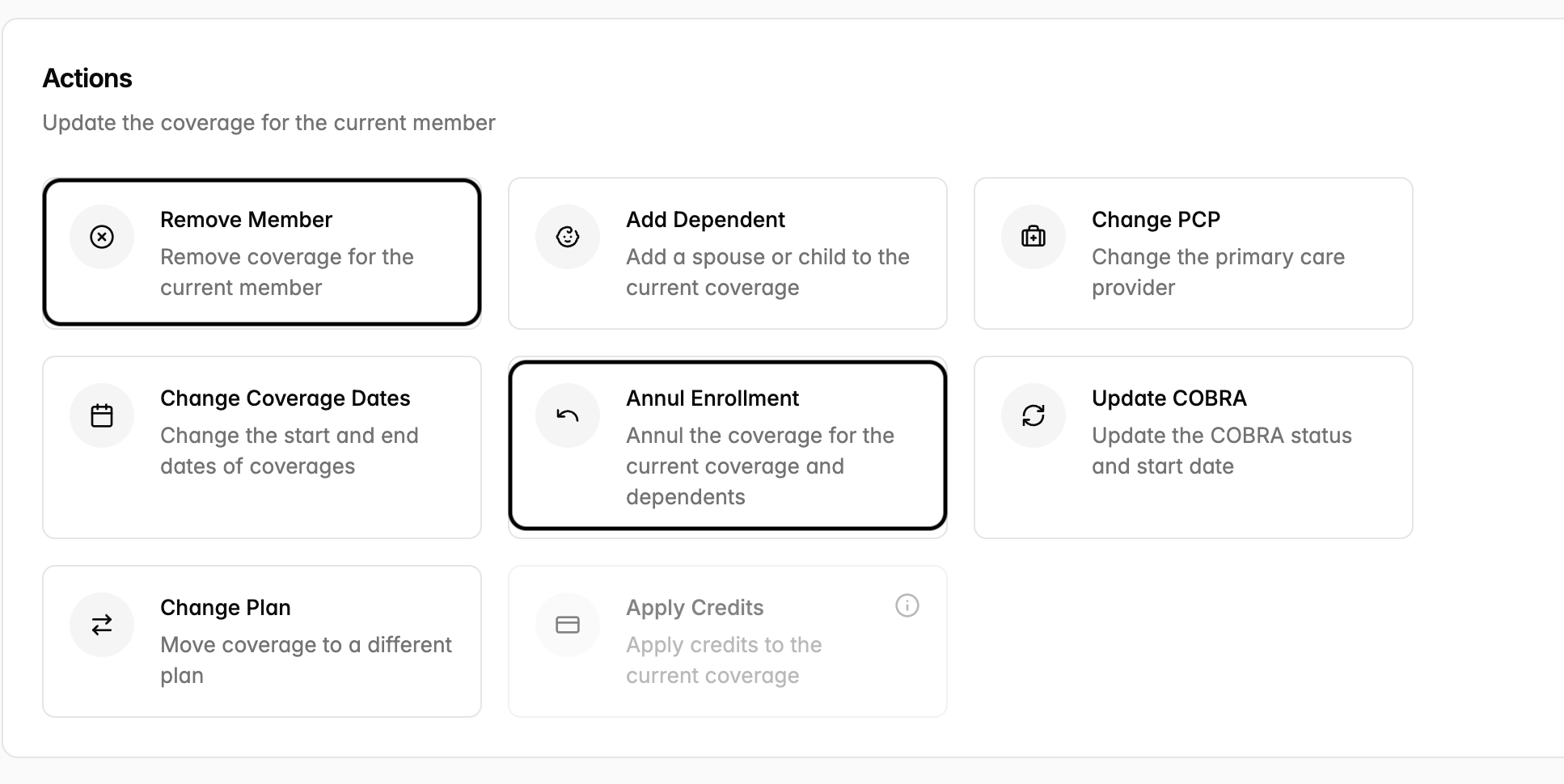
Annul Enrollment
Annulling an enrollment treats the enrollment as if it never happened.
Key characteristics:
The enrollment is voided from the original effective date.
Since annulment meaning “never happened,” no reasons need to be provided.
Despite the reversal, a record of the annulled enrollment must be retained for compliance and audit purposes.
All associated claims must be reviewed — any claims processed under the annulled enrollment are subject to reversal.
Premiums collected during the annulled period will be revisited (may be retroactively refunded/partially refunded depending on the timing of the changes).
Example: A member was accidentally enrolled in Plan A on February 1st. The error is caught on March 2nd. An annulment is processed — the Feb 1st enrollment is voided, premiums collected will be retroactively refunded (shown in the March invoice), and any claims paid during that period will be flagged for reversal.
Remove Member
A removal or termination ends an existing member’s coverage going forward. The prior enrollment history remains valid.
Key characteristics:
The enrollment is voided from the termination date.
Removing a member will prompt you to capture the reason for the change. Those reasons include:
Terminated Employment
Mistaken Enrollment
Qualifying Life Event

The coverage will end on a specified termination date, and the member is legitimately covered up to that date.
Claims submitted before the termination date remain valid and will not be reversed.