Add personnel to your team
For plan designers, brokers, DPC, vendors (PBM, Network, Stop Loss, and others) to add personnel to their team:
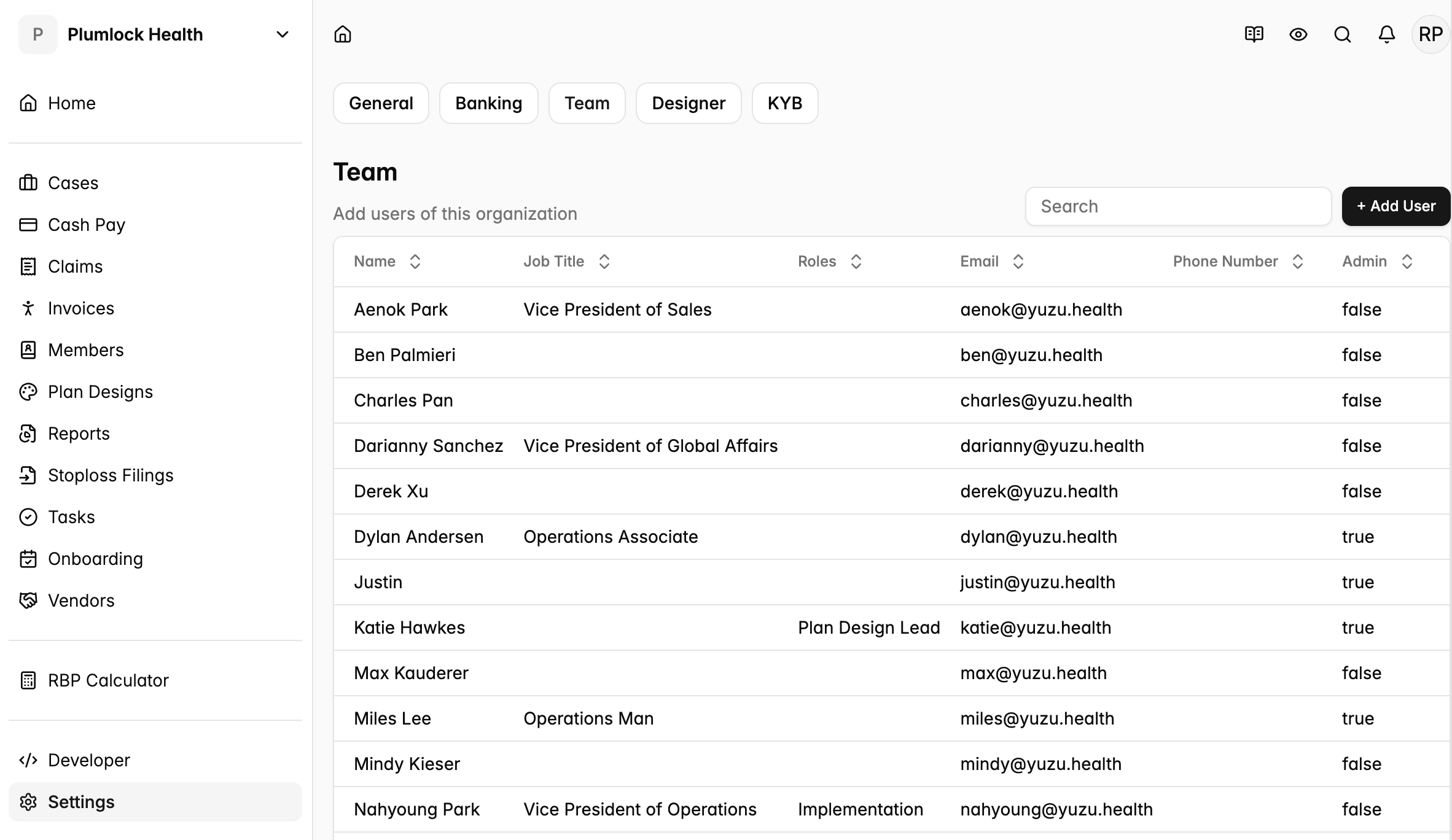
Go to the Home page > Click on ‘Settings’ on the far left side bar > click the tab ‘Team’ > then click ‘+ Add User’
Provision a new user as an ‘Admin’ when you want them to be able to add more members themselves or add and change bank account information.
To change your access level to ‘Admin’, have a current admin toggle on that feature when clicking into your profile.