

What the Loss Ratio Report Shows
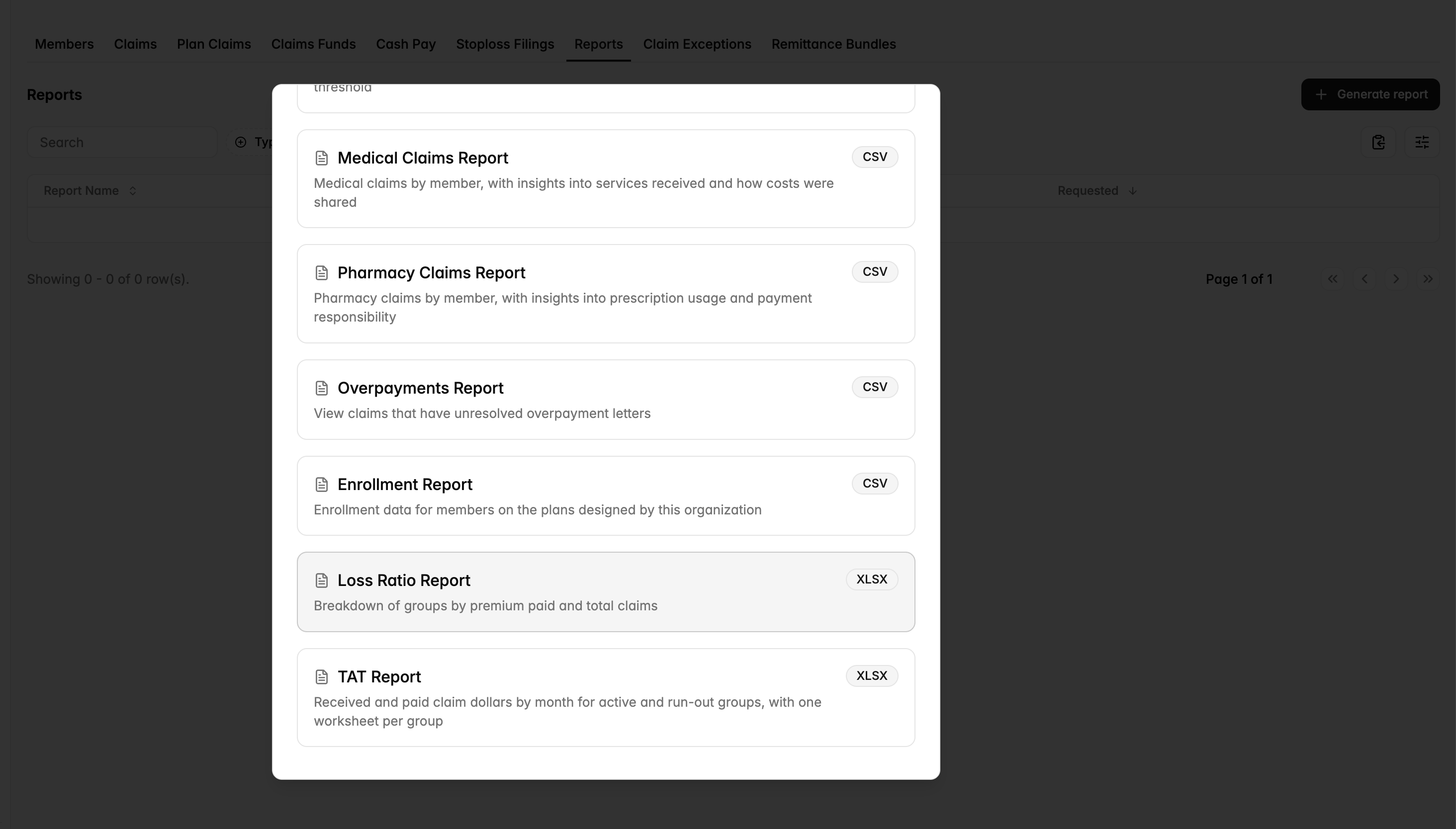
The Loss Ratio Report shows premiums and claims for each of your groups. It has one row for each group and plan year. The totals go from the start of the plan year to today.
Columns:
Group and Group Number
Plan Year: the start and end dates of the plan year
EE / ES / EC / EF Months: the number of member months in each coverage tier
Total Paid Claims
Total Approved but Unpaid Claims
Total Premiums Collected
Gross Loss Ratio
Download the Report
Go to “Reports & Data” (left sidebar) > “Reports” (top) > “Generate report” (right corner).
Select “Loss Ratio Report”.
When the report is ready, it shows in the reports table. Download it from there as an Excel file.
How each number is calculated
Total premiums collected
The stop loss premiums on the group's invoices, from the start of the plan year to this month
Includes specific, aggregate and aggregate accommodation premiums
Does not include admin fees or claims funding
This is the amount on the invoices. If an invoice pull fails, the report still counts that amount.
Claims
Total Paid Claims: Medical, pharmacy and plan-level claims paid from the claims fund. The dates follow the incurred and paid months of the group's stop loss contract. If the group has no contract, the plan year dates are used.
Total Approved but Unpaid Claims: medical claims that are approved but not paid yet. Pharmacy is not included because the PBM pays those claims.
Reversed payments are not counted.
Gross Loss Ratio
(Total Paid Claims + Total Approved but Unpaid Claims) ÷ Total Premiums Collected
The cell is blank if the group has no premium yet
Other Notes
The report includes only plan years that have started. Groups that are not live yet are not included.
The report does not show totals by month. To see claims by month, use the Aggregate report in Reports 101.
If a premium number looks wrong, contact your Yuzu account manager.