

What is an Age Out Exception?
Dependent children lose coverage when they turn 26 (on the last day of the month of their 26th birthday, or at the end of the plan year, depending on the group's rule). A dependent who is disabled and financially dependent may stay on the plan past 26. By adding an Age Out Exception of Disability, the dependent is able to keep the coverage.
When the exception is on, the system does NOT:
Terminate the dependent's coverage at age 26
Send the age out warning to administrators or the "Dependent aged out" email to the subscriber
Send a COBRA election notice because the dependent aged out
To get started: The Employer is responsible for getting documentation that the dependent is disabled and financially dependent.
Who can do this: Users with “Can Manage Coverage” or “Can Edit Coverage” access (plan designers and brokers have this access by default).
Add an exception for a current dependent (<26)
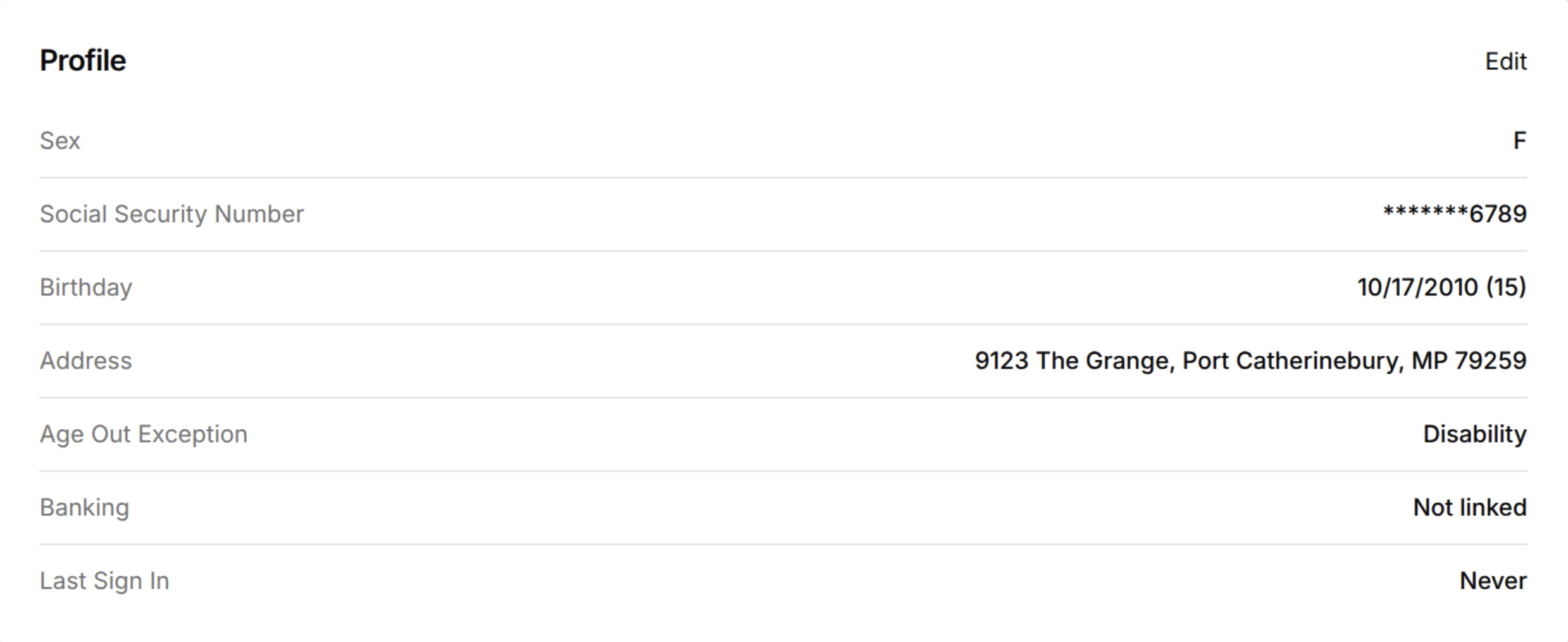
Open the dependent's coverage page and go to the Overview tab.
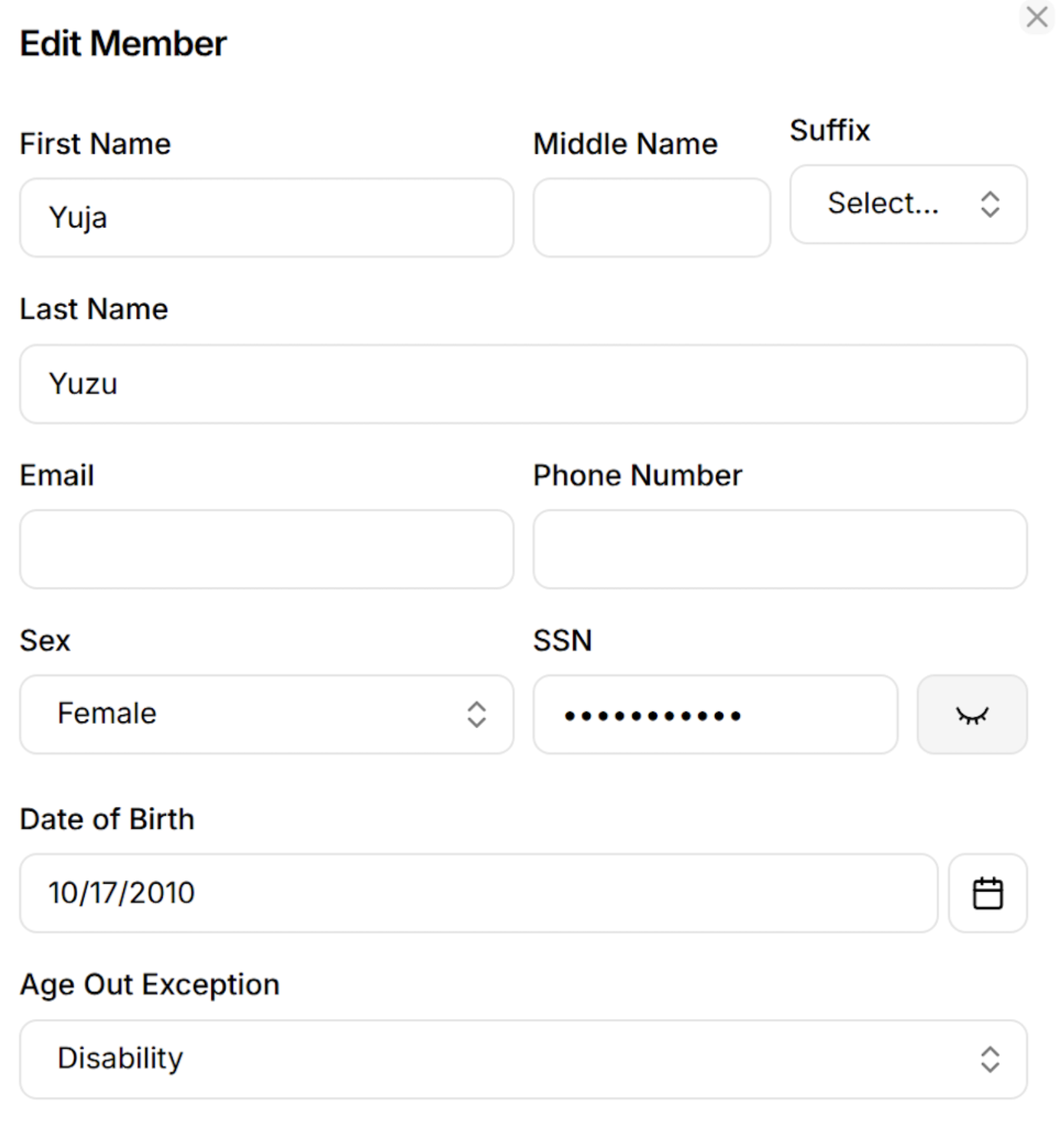
In the Profile box, click Edit.
In the Age Out Exception dropdown, select Disability.
Click Save.
Make sure the Profile box now shows Age Out Exception: Disability.
*Notes:
Add the exception before the dependent turns 26. For groups that end coverage on the last day of the birthday month, the age out warning goes out about one month before.
The Age Out Exception dropdown shows only for members who are enrolled as a child dependent.
Enroll a disabled dependent who is already over 26
At this time, the portal blocks a new enrollment for a child dependent who is already over 26, because the exception can only be added after the member exists. We are working on a fix. Until then, use this workaround:
Enroll the dependent with a temporary date of birth that makes them younger than 26.
Add a note on the enrollment that explains why the date of birth is temporary.
After the dependent is enrolled, open their coverage page, go to Overview, and click Edit in the Profile section.
Select Disability in the Age Out Exception dropdown and change the Date of Birth to the correct date. Click Save.
Remove an exception
At this time, you cannot clear the Age Out Exception field in the portal. If the dependent is no longer eligible, contact Yuzu at partners@yuzu.health to remove the exception. After it is removed, the normal age out rules apply. If the dependent is already over 26, the system can terminate their coverage in the next daily run.
For more info on Age Out, check guides: Dependent Age Out Notifications, Edit Member Information