Guides
Search...
⌘K
Get Started
Provider Portal and Tools
Member Portal
Portal Basics
Group Onboarding
Eligibility
Payments and Invoices
Claims
Cash Pay
Compliance
Reports
Yuzu Policies
Partner Launch Process
Integrations
Troubleshooting and Support
Your Yuzu Contacts
Error messaging
Call Center
Provide feedback
Toggle Sidebar
Troubleshooting and Support
Provide feedback
Contents
Provide feedback
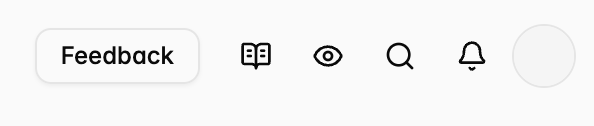
Use the Feedback button in the upper right corner.
Click the feedback button .
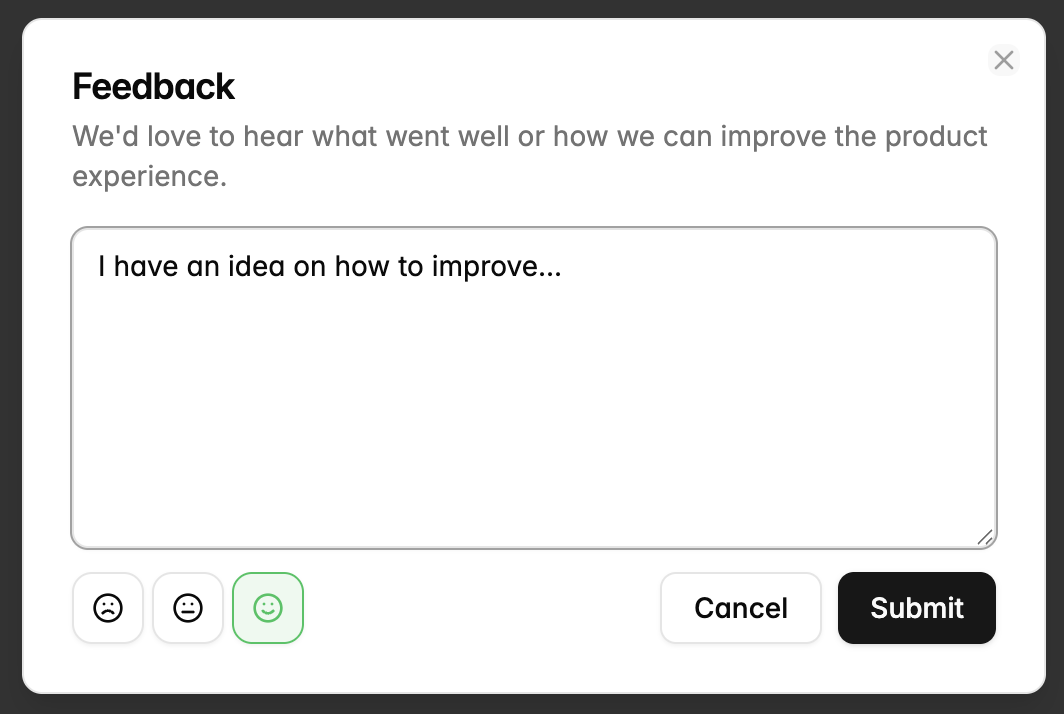
Fill out the feedback form, add a emoticon and press submit.
Was this page helpful?
Previous
Call Center