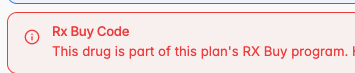
What is an Rx Buy List?
The Rx Buy List acts as a way to attribute a specific Message with to a particular group of J Codes when they are searched or billed.
This message will be shown on the benefits grid to the support team, the member, the claims team, and anyone with access to the plan benefits. This is the only function of the Rx Buy List — to share a message when particular J Codes are searched or billed.
How do I create an Rx Buy List?
Rx Buy List creation is scoped to the Plan Designer and lives under Plan Designer > Designs > Rx Buy.
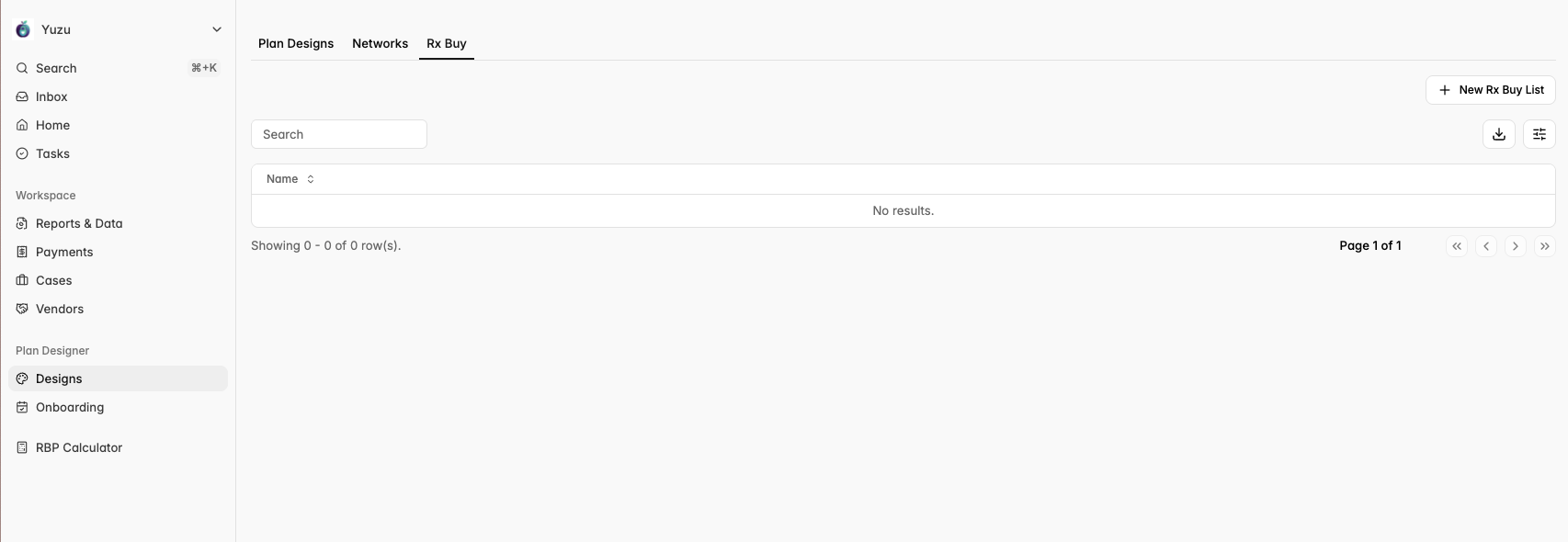
When you’re ready to create a new list click the ‘+ New Rx Buy List’ button in the top right corner.
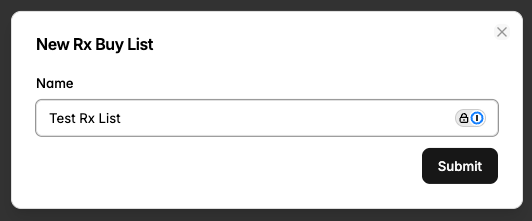
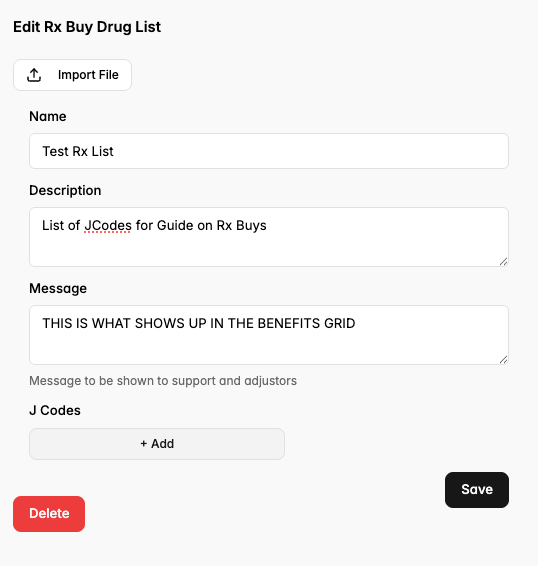
The two most important fields are the Message and the J Codes.
Message is what is actually shown on the benefits grid to the support team, the member, the claims team, and anyone with access to the plan benefits. This is the only function of the Rx Buy List — to share a message when particular J Codes are searched or billed.
J Codes are how we attribute the Message to specific prescriptions. They can be added one by one by clicking the grey ‘+ Add’ button, or batch imported using the ‘Import File’ button on the top.
What sorts of Messages do Plan Designers use?
Since the Message is the only real action Plan Designers make sure they are clear and impactful.
For Buy & Bill Programs they might say “This drug is part of this plan's RX Buy program. Plan members can obtain lower-cost care by calling the nurse navigation line at 123-456-7890.“
How do I apply an Rx Buy List?
Once the list is created and saved it can be applied to a plan. Remember that the lists are scoped to the Plan Designer so only lists created under a plan designer will show up on their plans.
Rx Buy Lists can be added by navigating to the benefits grid under Rx and selecting the list in the drop down.
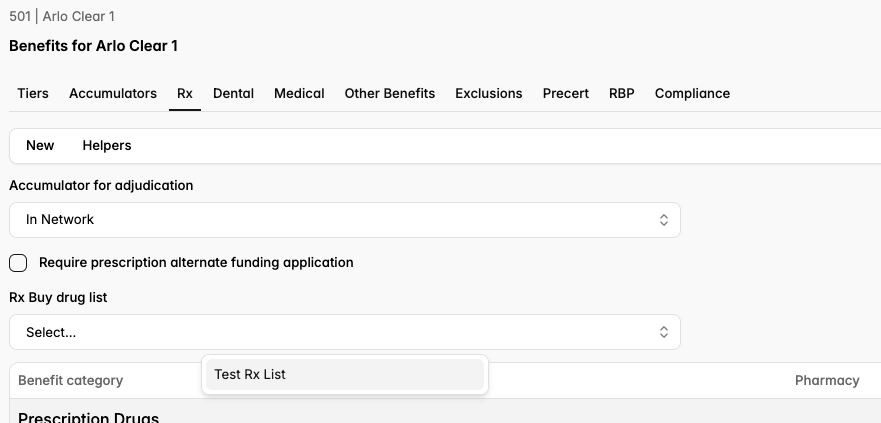
Once you hit save you’re good to go!
What will my Rx Buy List look like on a live plan?
Once added to the benefits build the Rx Buy Code will flag any time an identified J Code is searched or billed. The message displays to the user but there is no further action on the portal’s end. Identified J Codes can still be billed as normal, but the message will display to all relevant parties.