

Create a webhook
Left sidebar
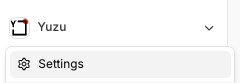
Current Organization
‘Settings’
‘Developer’
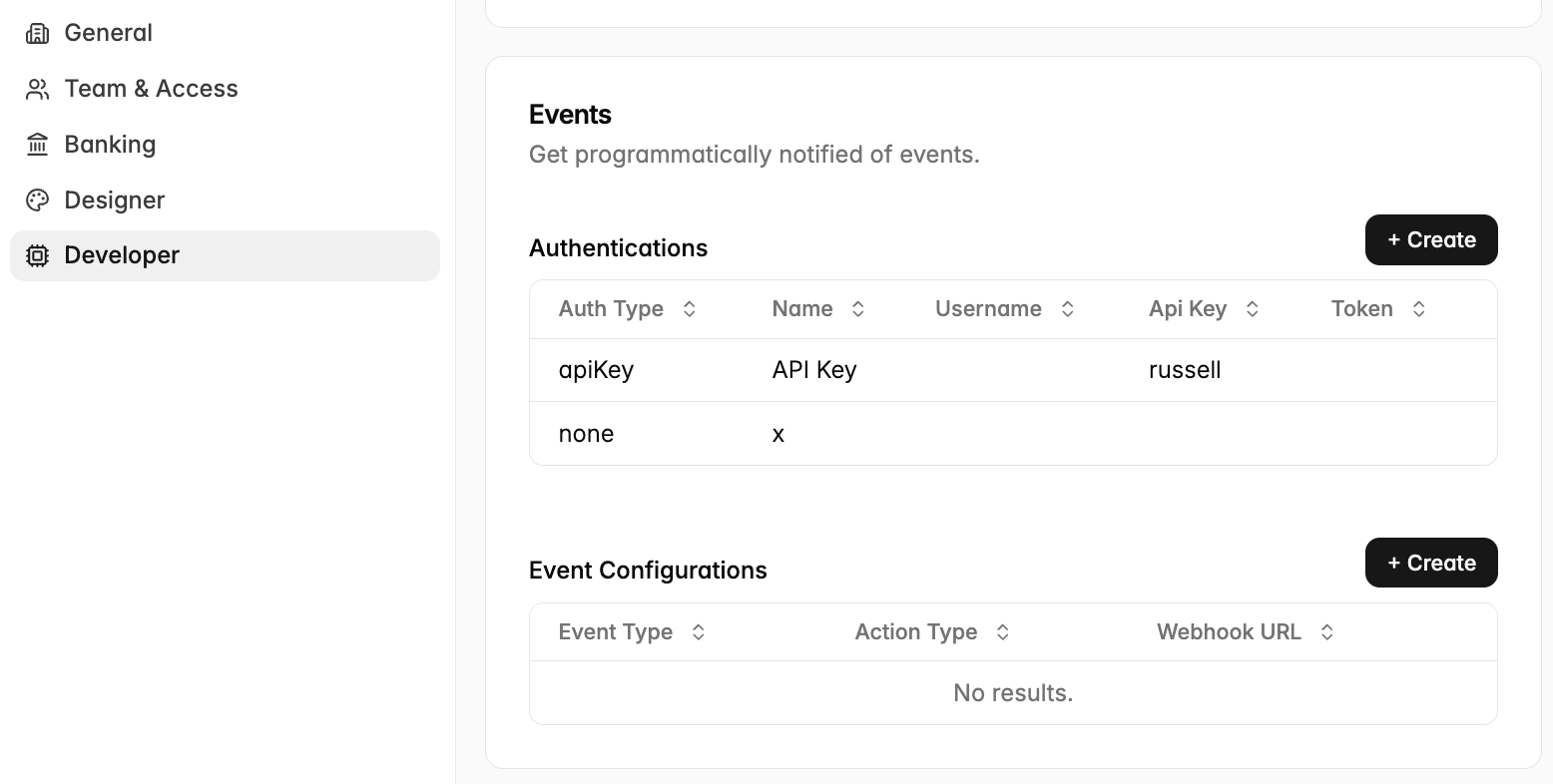
Event Configurations ‘+ Create’
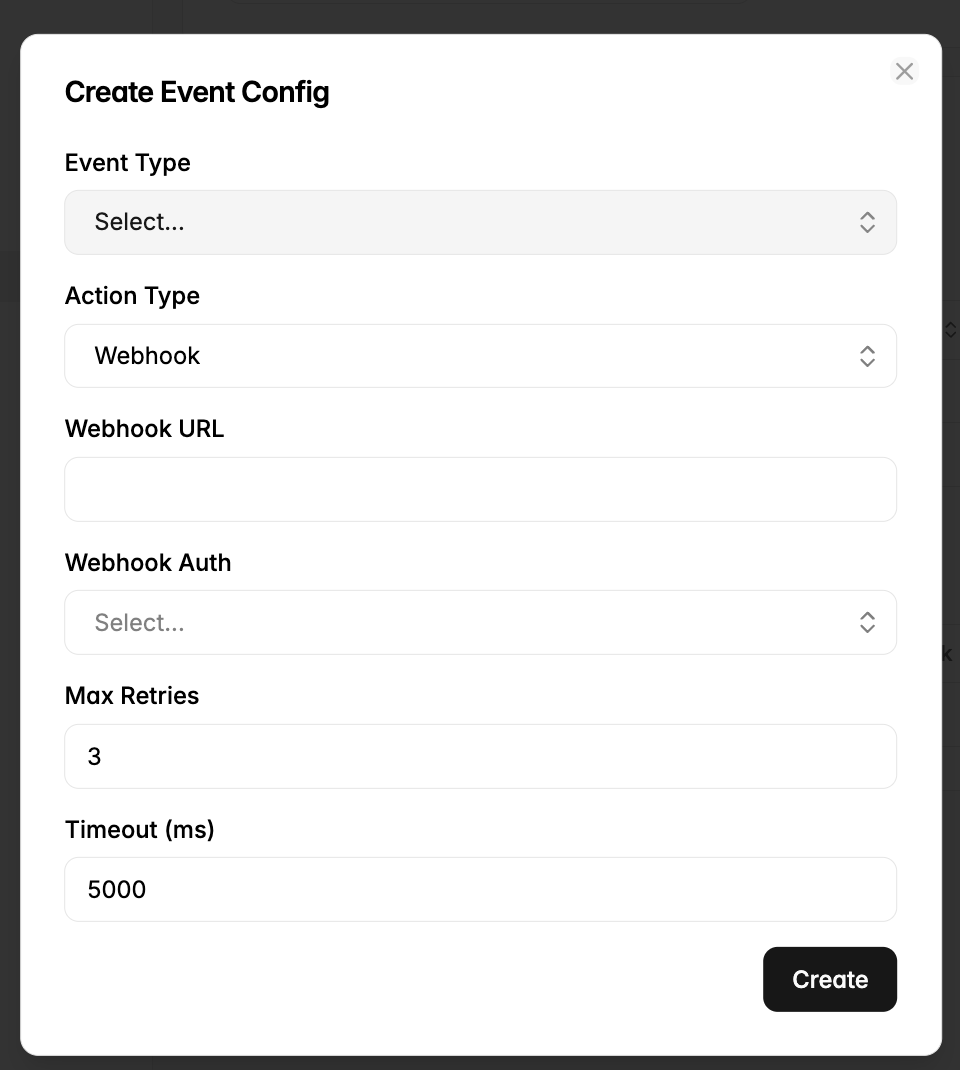
Event types
We currently support a variety of events across the app, this list is updated regularly so check the drop-down for the latest.
If you have a webhook request, reach out to Adam (adam@yuzu.health).
Configuration
Add the webhook URL and select the Auth from the dropdown. To create an Auth, click the ‘Authentications’ table right above the configuration and create.
Event details
Automatic retries
Yuzu considers a delivery successful when your endpoint returns a 2xx HTTP status. For non-2xx responses or connection errors, Yuzu records the delivery as failed and retries it up to the configured maximum number of attempts. The default is three attempts.
Retries use the configured delay between attempts. The default delay is five seconds; Yuzu does not use exponential backoff. After the maximum attempts are exhausted, the delivery remains failed and is not retried automatically.
Manual retries
You can manually retry an event from its Event Details page by selecting Retry Event. A manual retry creates new delivery records and sends the same event again, including its original event ID. Previous delivery results remain available for review.
Event ordering
Yuzu does not guarantee that events are delivered in the order in which they are generated. Do not make your integration depend on a specific event sequence. Process events idempotently, use the event ID to detect repeated deliveries, and retrieve the latest resource state from the API when required.
Your endpoint should return a 2xx response only after it has accepted the event for processing. Return a non-2xx response when delivery should be retried.
When would I use a webhook?
Use a webhook if you must know when something happens in Yuzu, and you do not want to poll the API. It is also the easiest way to find out which objects are new or changed: the public API does not expose an updatedAt or lastModified field, so you cannot detect changes by polling.
How do I use a webhook?
Give Yuzu an HTTPS endpoint and an auth method (API key, basic, or bearer). You can also set a secret key.
Subscribe to the events that you want, for example Member Update.
Yuzu sends a
POSTto your endpoint when the event occurs. The body is small; it contains only the event ID, the event type, and the ID of the object that changed:
{ "id": "b1d92755-...", "type": "member_update", "payload": { "id": "284fd0f0-..." } }Call the public API with that ID to get the full record, for example
GET /v1/members/{memberId}.Answer with a 2xx status code. If you do not, Yuzu tries again, up to the configured retry limit.
Notes
The webhook never contains member data. This keeps PHI out of the request body. Always fetch the object from the API.
Use the top-level event
idto remove duplicates, because a retry can cause more than one delivery.If you set a secret key, verify the
X-Yuzu-Signatureheader. It is an HMAC-SHA256 of the request body.Delivery is asynchronous. Expect a short delay after the change.
One event is sent for each member that changes, not one for each file. A census upload of 200 members sends 200 events.
Today, new members also arrive as Member Update, not New Member. Subscribe to Member Update if you must see new members.