

Find Web Portal: No Login Necessary
See Provider Web Access Guide to figure out how to view the provider portal. Short answer: https://yuzu.health/providers.
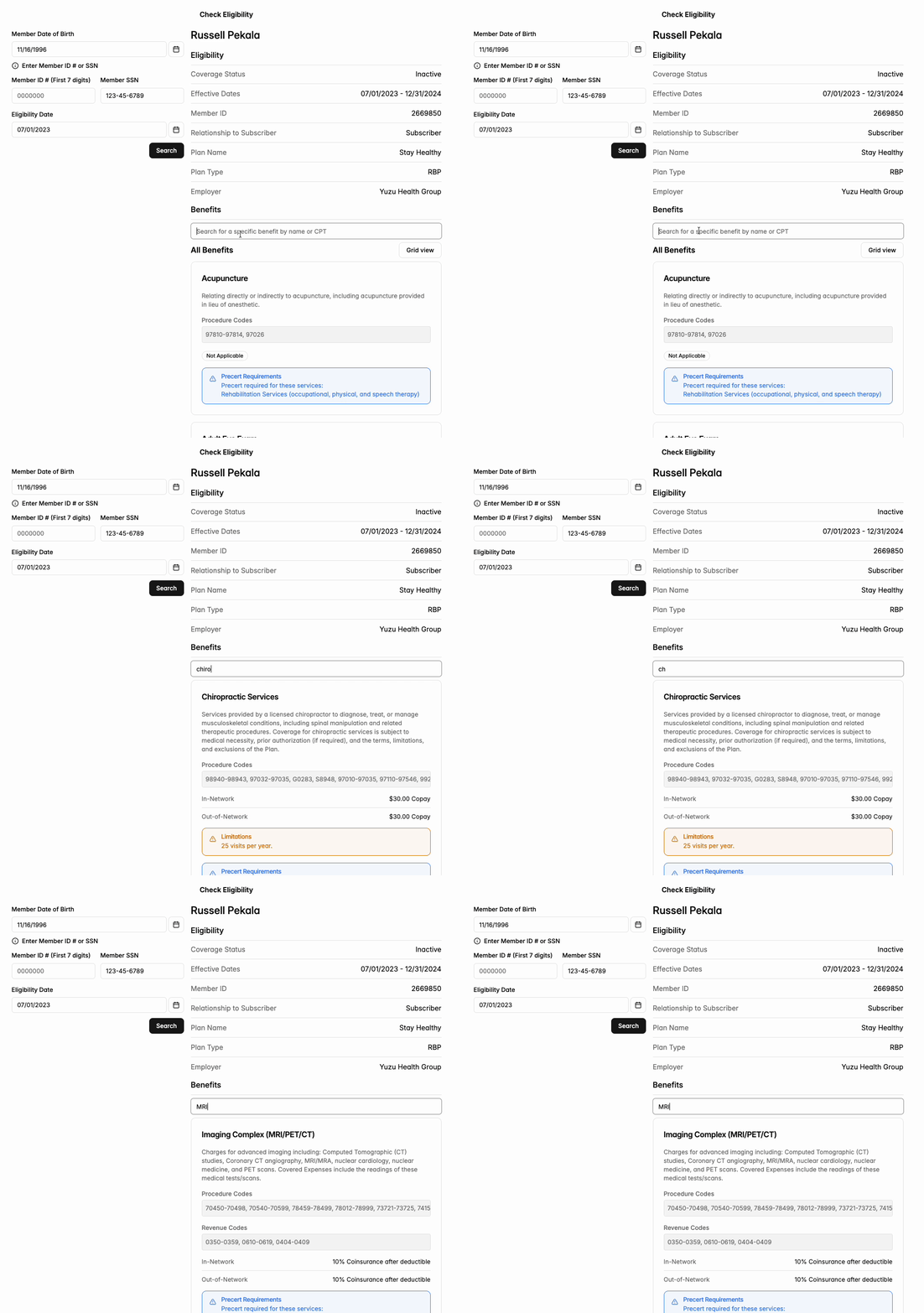
Signed in: the Eligibility page
If you have a portal account, click Eligibility in the left menu (or Check eligibility on your Home page).
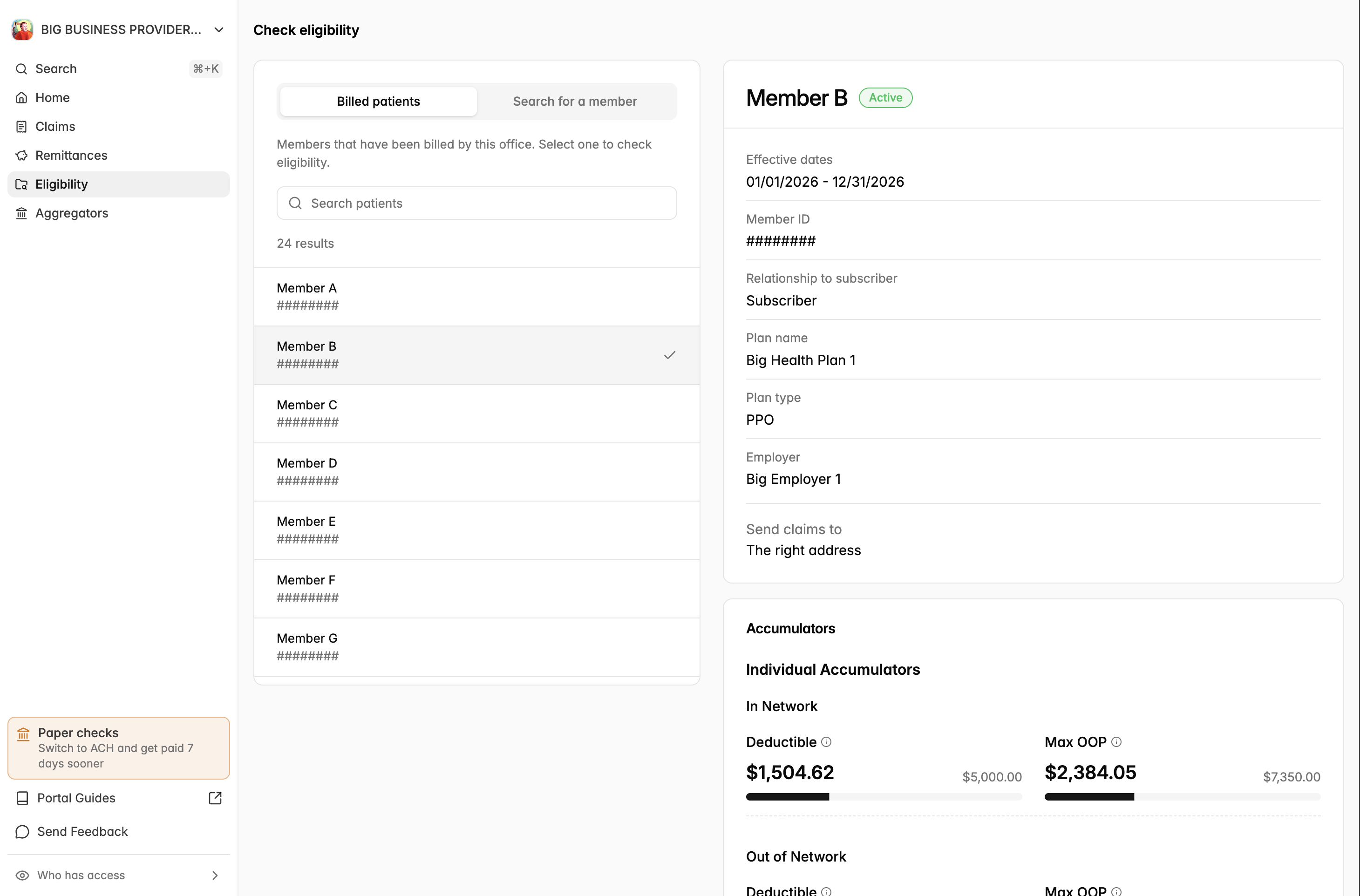
Billed patients – patients your office has already billed. Type a name to search, then click the patient to check their coverage. No extra details needed.
Search for a member – for a patient you have not billed yet. Enter their date of birth and either their member ID number (the first 7 digits) or SSN. If you want to check coverage on a specific date, enter it under Coverage was active on this date. Click Check eligibility.
What you'll see
Coverage status – Active, Pending, Inactive, or COBRA – with effective dates
Member ID, subscriber, and relationship to subscriber
Plan name, plan type, and employer
Send claims to – the payer ID and mailing address for this plan. Always use this (it matches the member's ID card). See Submitting Claims.
ID Card – download the front and back of the member's card
Accumulators – how much of the deductible and out-of-pocket maximum has been used, for the individual and the family
Benefits – search for a service to see what the plan covers, the patient's cost share, and whether prior authorization is required
If we can't find a match you will see "No coverage found" - check the date of birth and ID and try again.