

If you want to find a specific group, member, or claim number, use Command+K (on mac) and CTRL+K (on Windows). Additionally, you can use the search icon in the top right corner
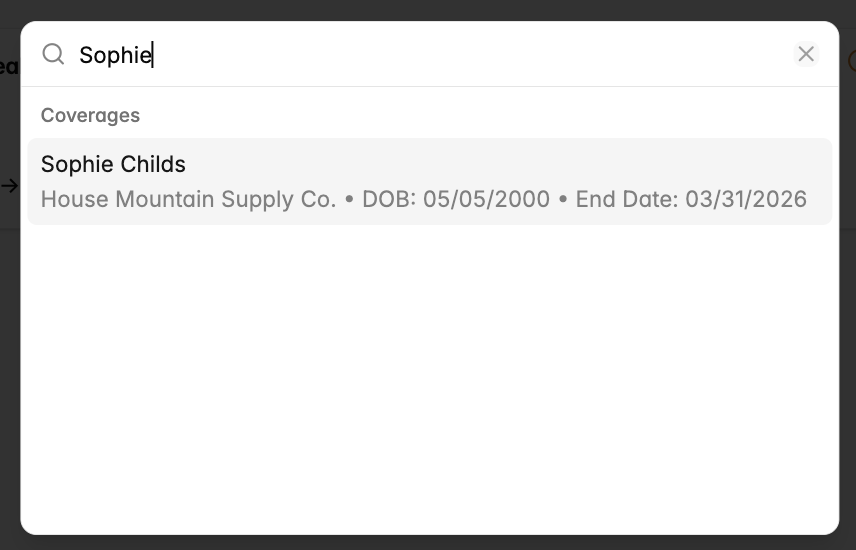
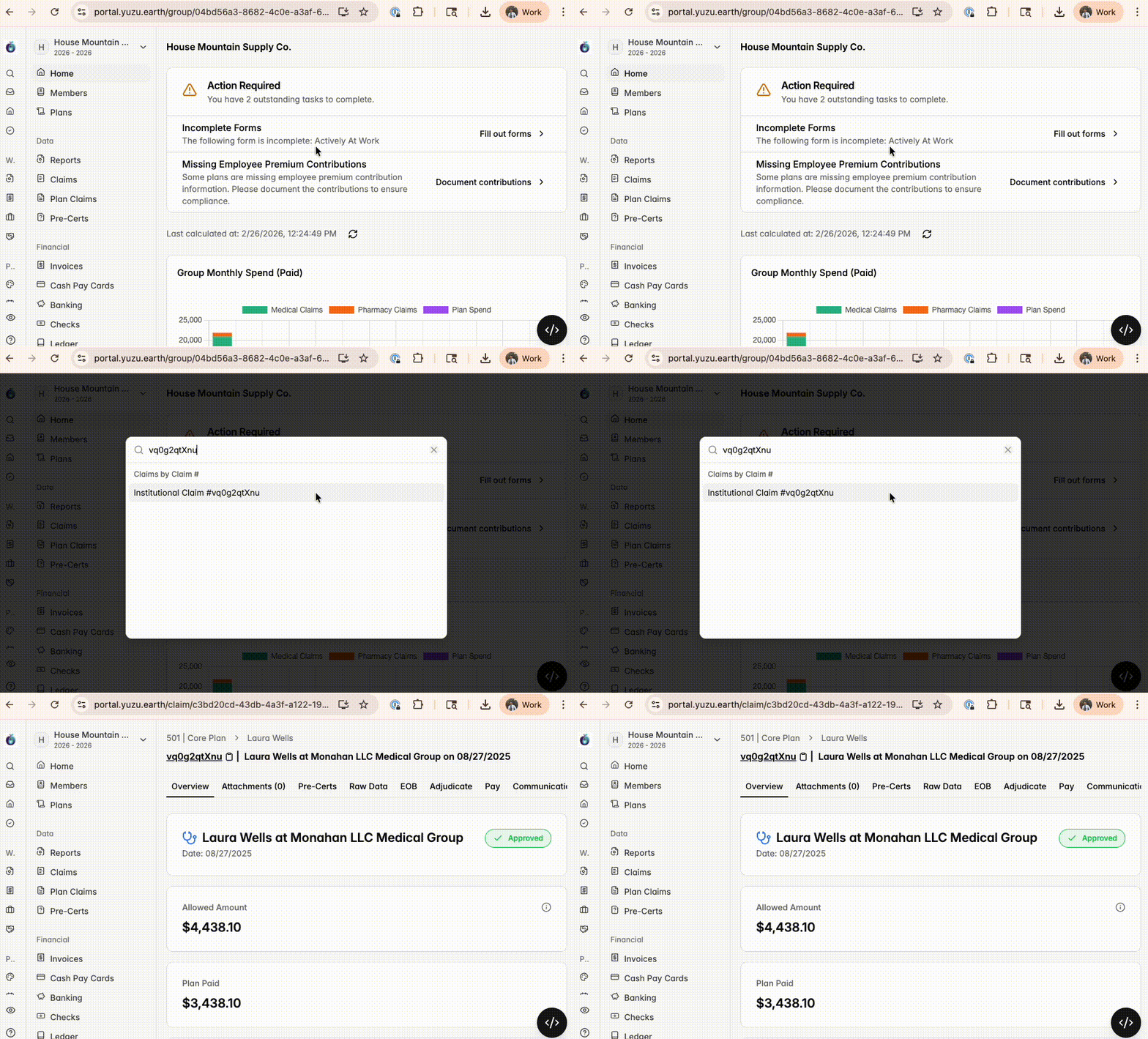
Find a claim by claim number
The easiest approach is Command + K or using the search tool.
Otherwise you can use the far left sidebar “Claims” to find a specific claim
Find claims for a member
Click on “Group” > on the left sidebar click “Members” > click on the relevant member > click “Claims” from the top list of tabs
Find claims for a group
Click on “Group” > on the left sidebar click “Claims”