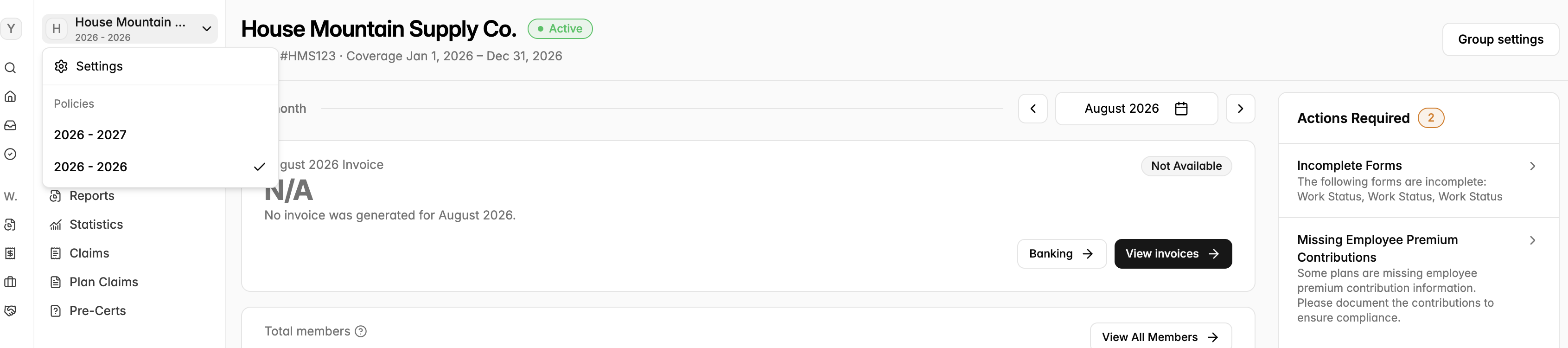
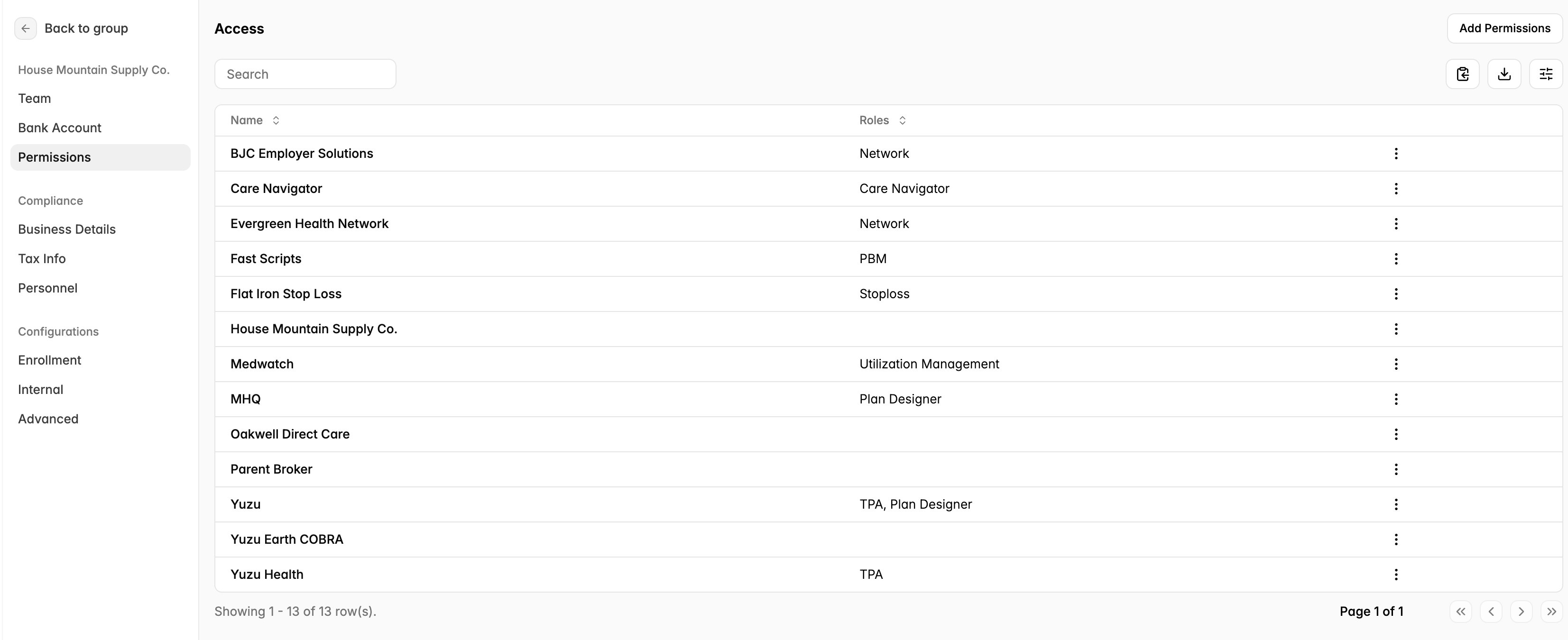
To edit the vendors permissions, go to the employer group→ top left settings → permissions on the left side bar → click on the vendor you would like to change the permissions.
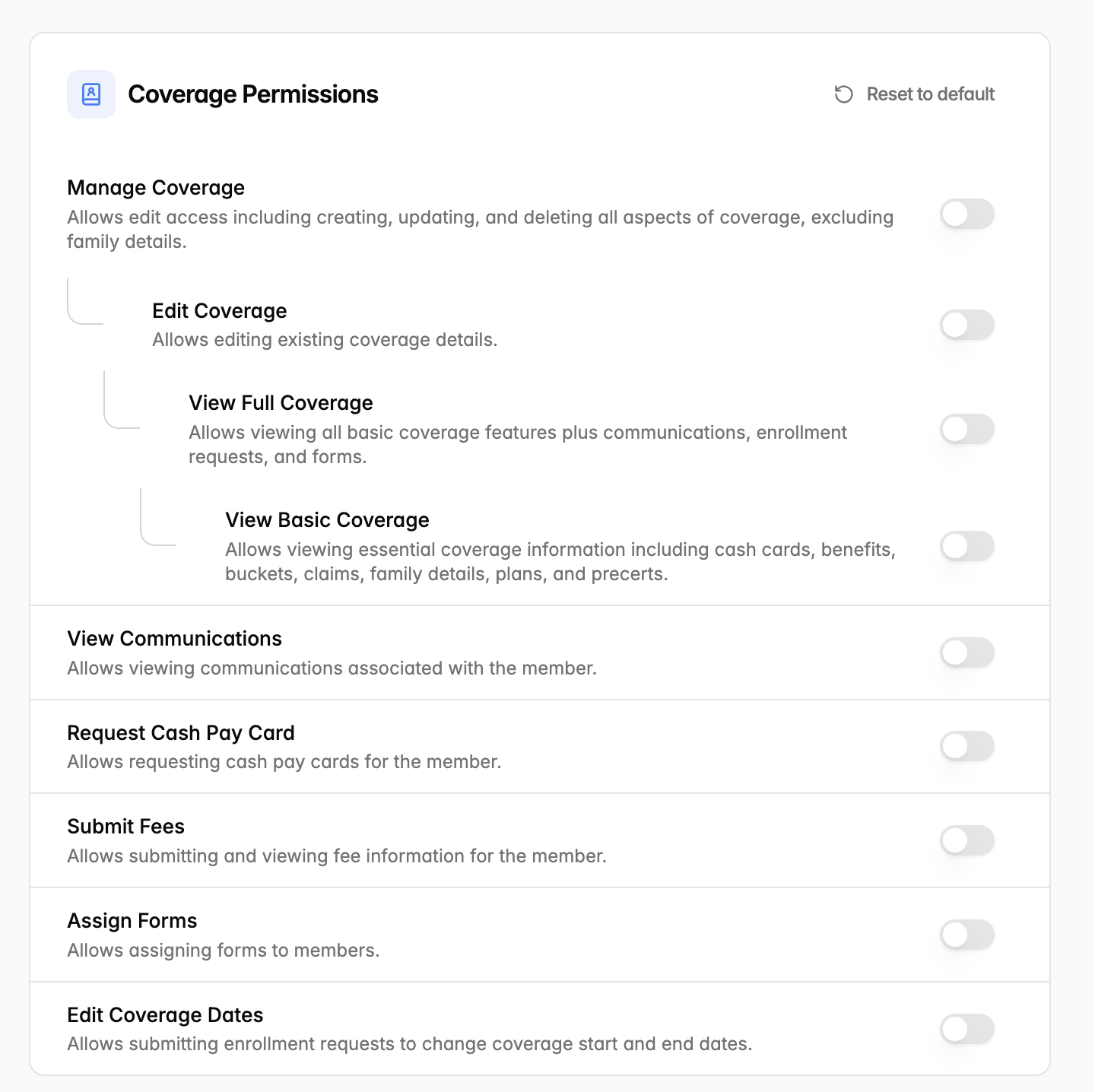
Plan Designers are able to edit different permissions including:
Coverage Permissions
Group
Banking
Plan
Claims
Cash Cards
Forms
Invoices
Communication
Enrollment
Plan Claims
Benefit Bundles
Stop-loss Filings
Click “Reset to default” tab on the top right to reset to the default permissions.