

Vendor portal access and file feeds
Portal Access
Like all other data types, medical data is available in the portal for download on the reports page. We are able and willing to give a vendor access to the portal to download this data directly.
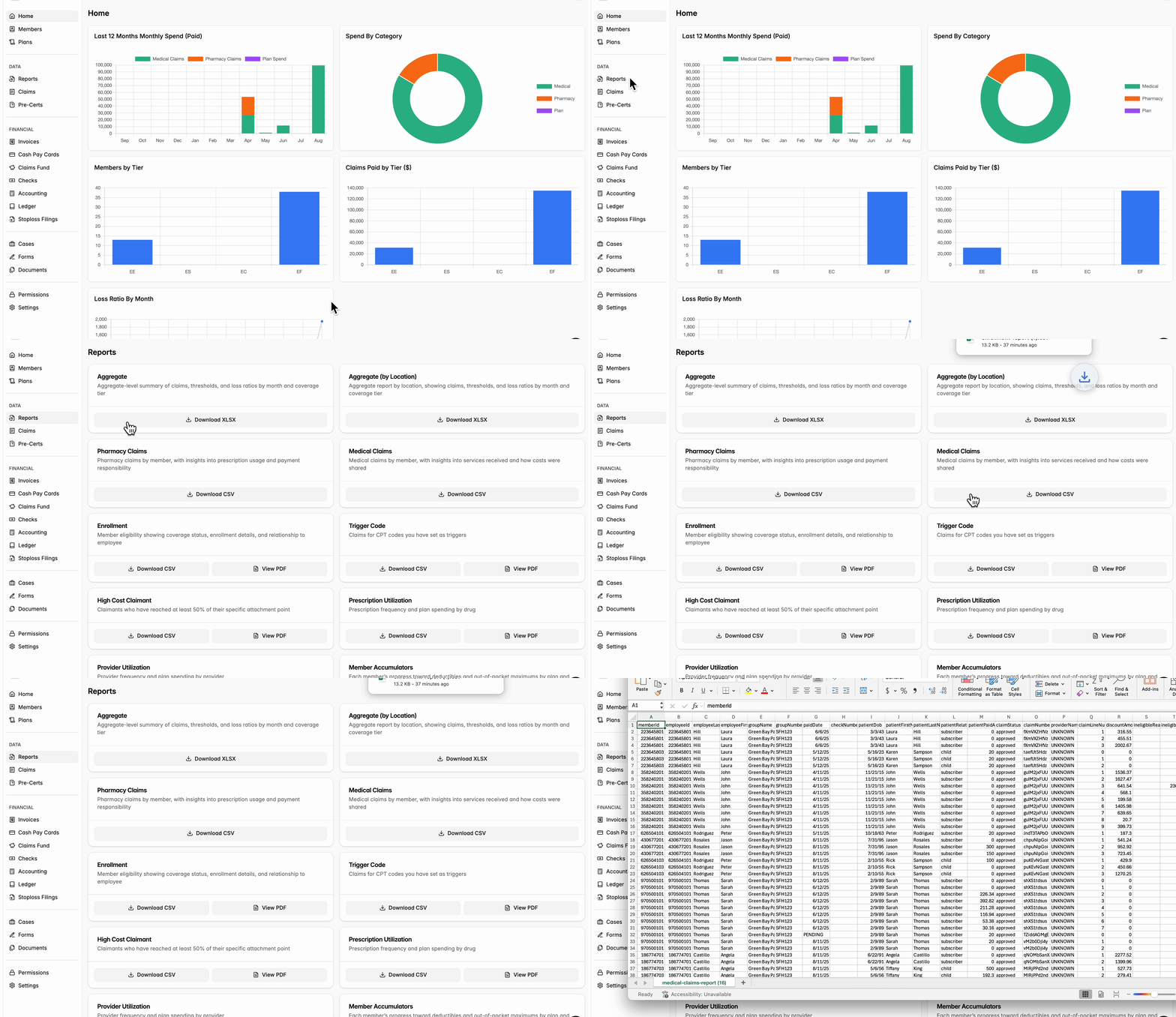
Email file feeds
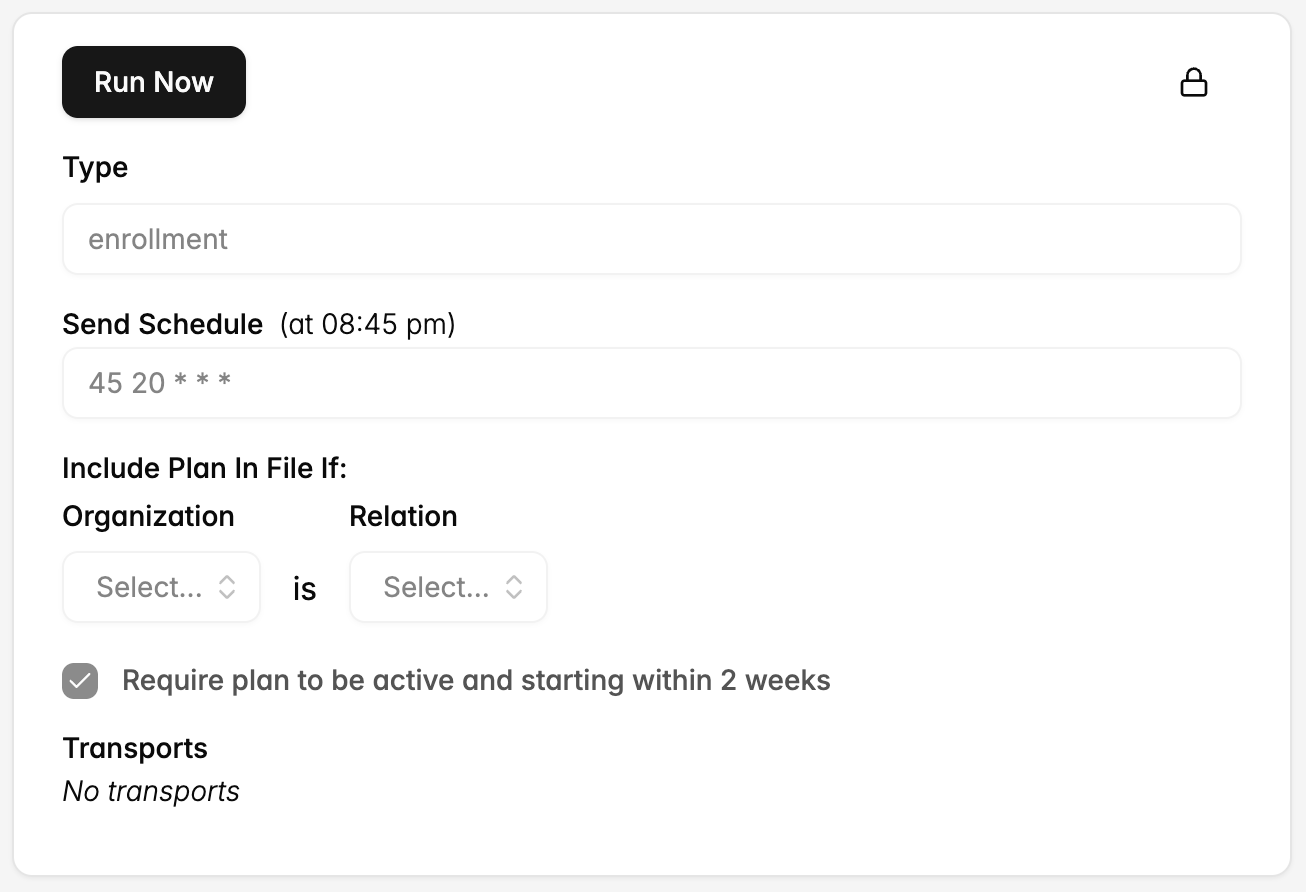
Additionally, we can set up an outbound medical claims file feed to deliver as a CSV at a custom time and frequency to multiple email addresses. To get started, reach out partners@yuzu.health with details on your preferred:
File types (eligibility, medical claims, pharmacy claims, accumulators, high cost claimants, aggregate reports)
Cadence (send schedule)
Emails
Process to set up an SFTP connection
For integrations, we currently only support 837 EDI for medical claims. As of August 2025, we have 837 integrations with a number of networks, PBMs and utilization management vendors.
Prerequisites
See technical implementations guide for the required structure: https://yuzu.health/docs/integrations/837-professional-claim-technical-implementation-guide
Connection Setup (SFTP)
Yuzu generates and shares SFTP credentials (host, username, password/private key, folder paths)
The vendor configures their system to connect to the Yuzu SFTP server.
Folder paths are standardized:/inbound → files sent to Yuzu.
/outbound → files Yuzu sends to the vendor.
Testing Phase
Initial file testing: For clearinghouses and networks, with inbound 837, the vendor generates and drops test files (837P and 837I) into /inbound; Yuzu sends outbound test files to the vendor’s /outbound for validation on their side.
Error handling protocols: Validate how exceptions (e.g., missing fields, malformed files) are reported and remediated.
Launch / Go-Live
Once testing is successful, file status is moved to Production.
Automated schedule is enabled (e.g., weekly Monday drop).
Ongoing monitoring in the first few weeks ensures successful ingestion and delivery.