Why Sign Up?
You can look up coverage and claim status without an account, but signing up gives you more:
See every claim for your organization in one place, with a full payment history
See why a claim paid what it paid, and download the EOB or 835 for any claim
Check patient eligibility for patients you have already billed with one click
Give other people on your team secure access
Get paid by direct deposit (ACH) instead of paper checks, about 7 days sooner
How to Sign Up
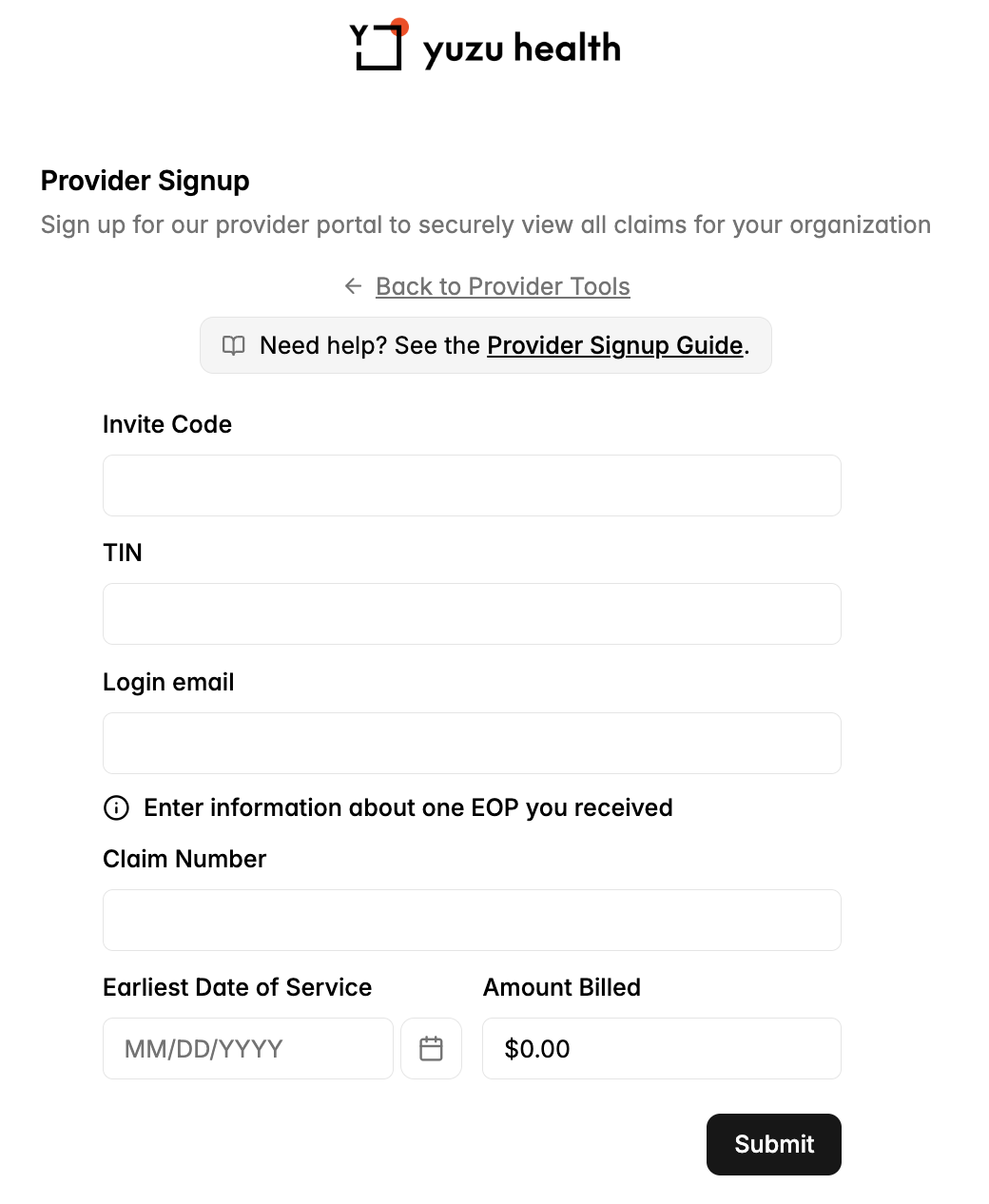
If you haven't signed up yet, look for the sign-up box printed after the main section of any EOP we have sent you.

Go to the link shown (https://portal.yuzu.health/provider-signup) and enter:
Your invite code (from the EOP)
Your organization's Tax ID Number (TIN)
The email address you want to log in with
Details from one claim we have paid you: the claim number, earliest date of service, and amount billed
That's it - there are no passwords. Each time you sign in we send a one-time code to your email. If you have any questions, email support@yuzu.health.
Finding Your Way Around
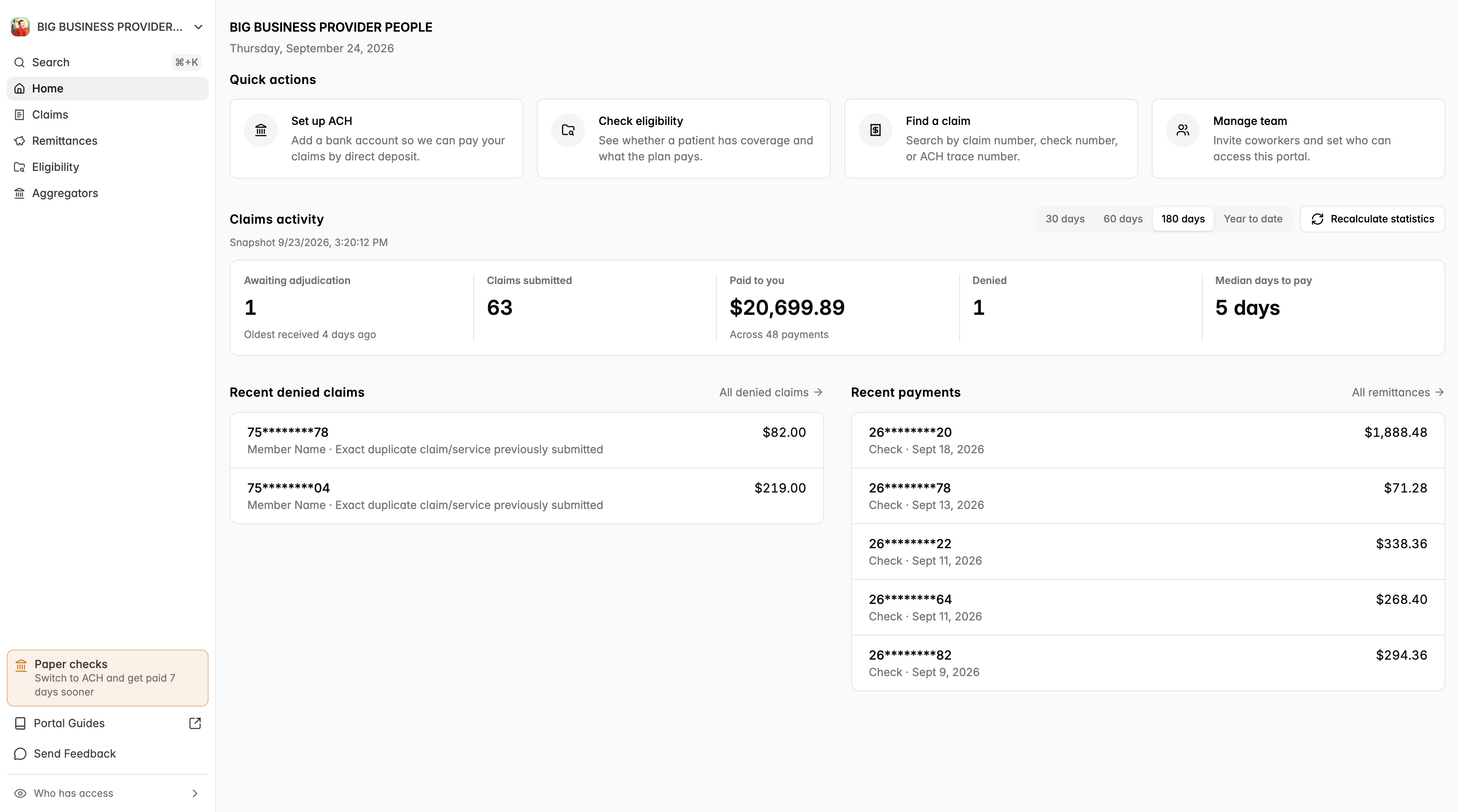
After you sign in you land on your Home page. The menu on the left has four sections:
Home – a summary of recent activity and shortcuts to common tasks
Claims – every claim for your organization
Remittances – payments we have sent you
Eligibility – check a patient's coverage and benefits
See Your Home Page for a tour.
Add Your Team
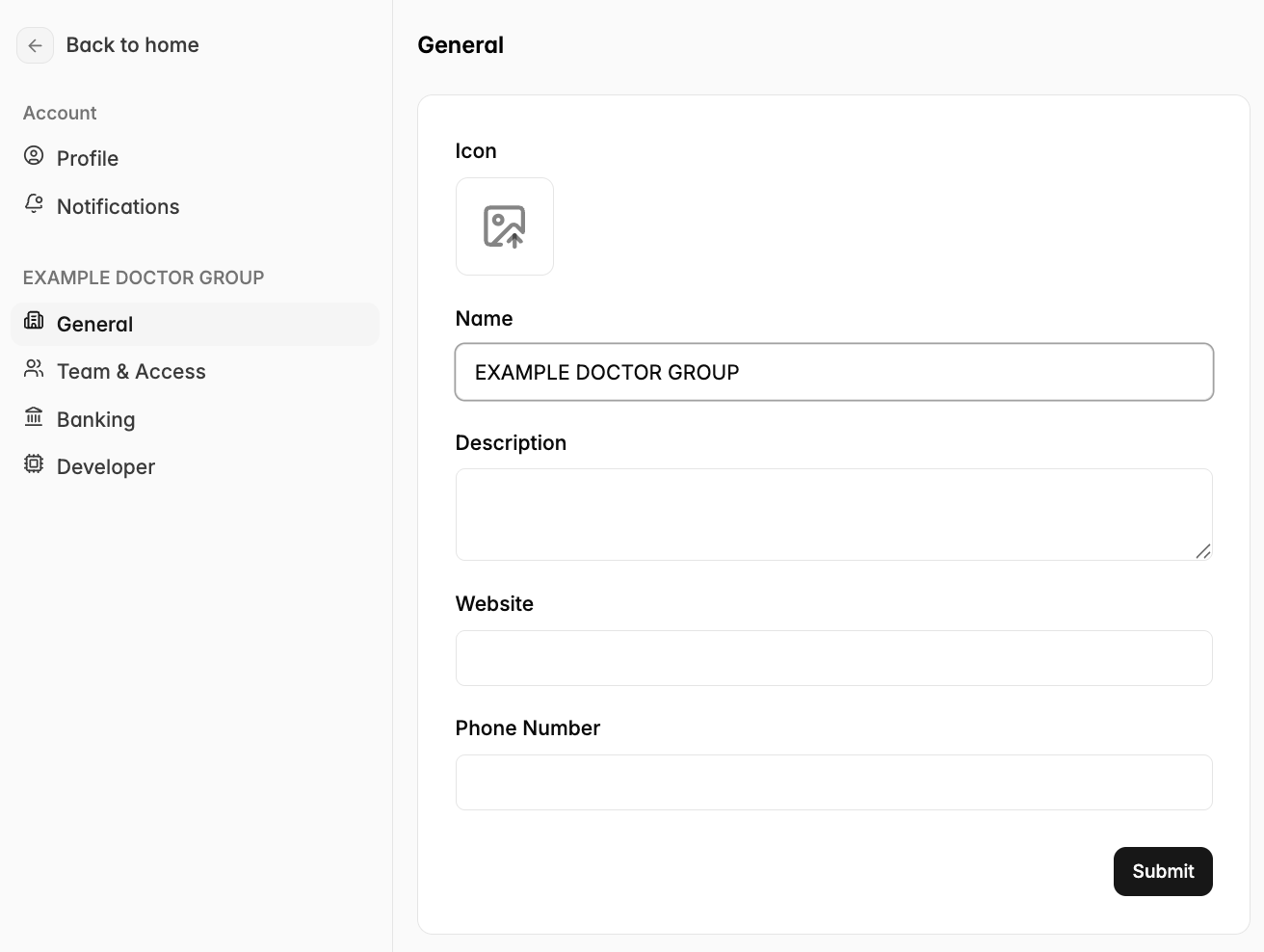
Under the “Team & Access” tab you are able to add members to your team. If you give them “Admin” permissions, they will be able to modify banking and team. Our login works on 2-factor codes sent to emails or phone numbers provided, so no passwords are necessary.
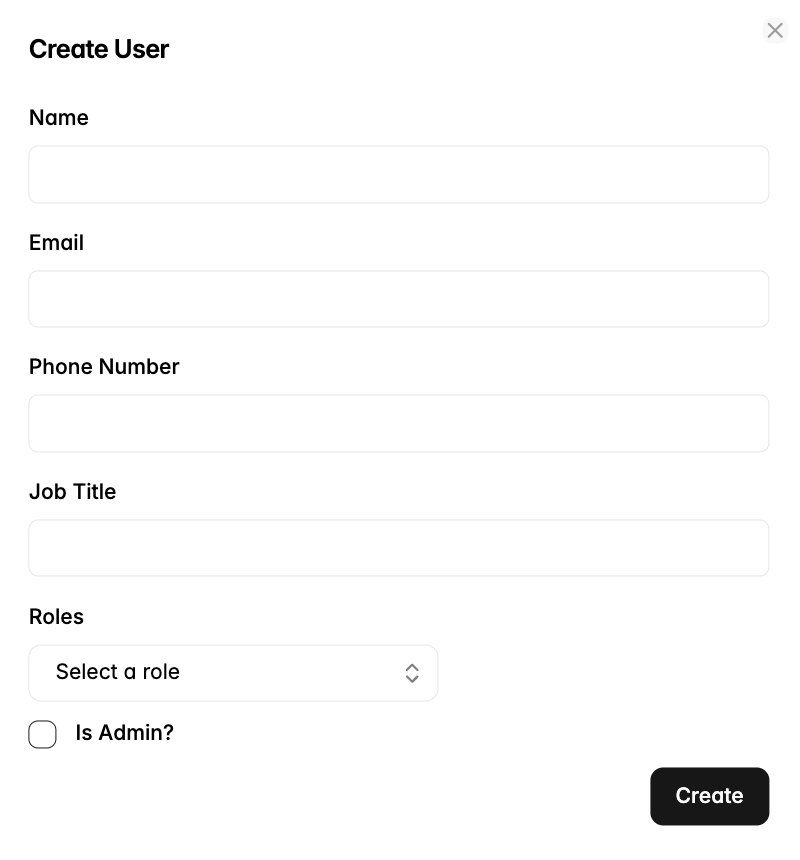
Team members will be able to log in but will not automatically get emailed when new remittances are available. See the next section to configure what emails are sent to you.
Add Remittance Information
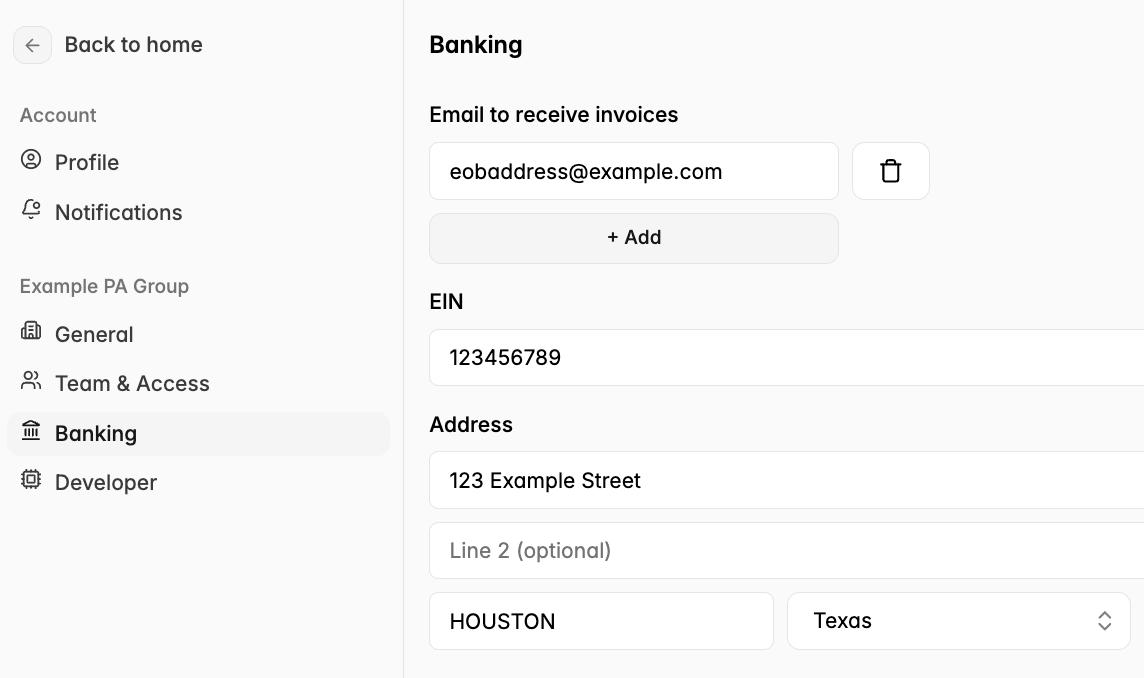
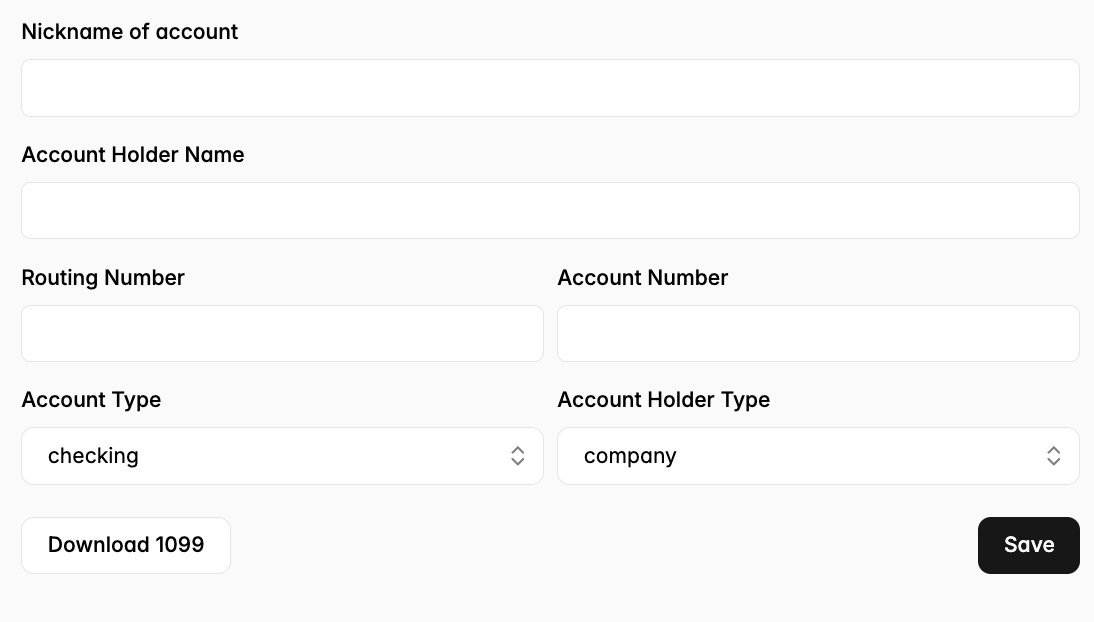
Add Banking Information
On the Banking tab, you can enter account information for where ACH payments should go.