
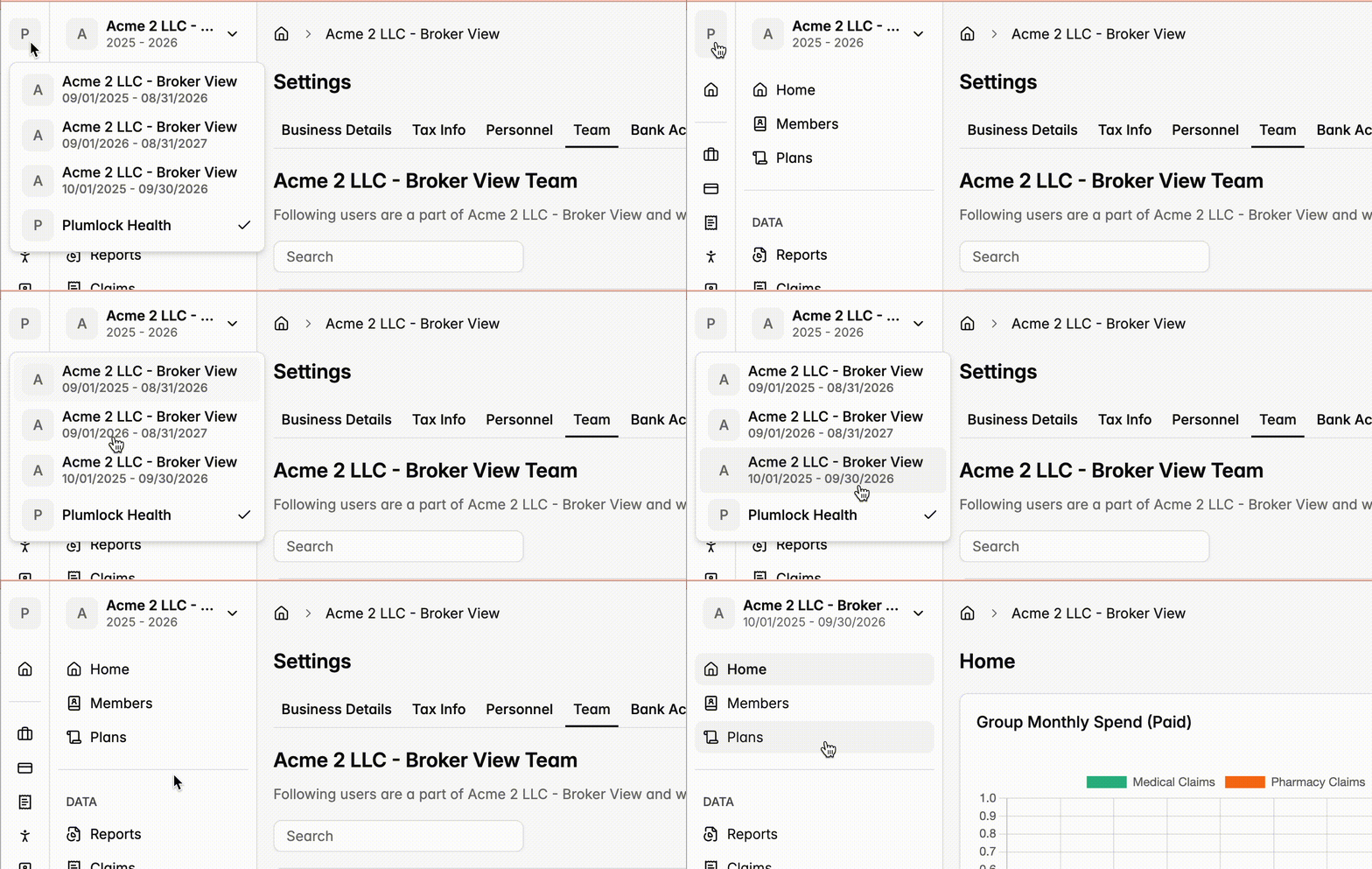
This is useful for the following situations:
For employees who need to be able to view the portal as both an employer and a member.
For Plan Designers who want to be able to view the portal as a DPC so that they can help with eligibility.
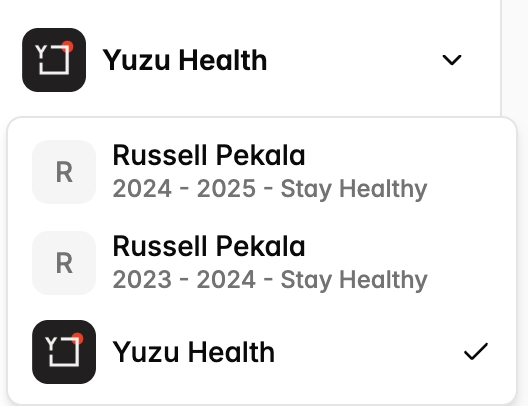

If you have multiple roles in Yuzu, you are able to switch between these roles by clicking the top left Icon on any page and then selecting the role you want to be able to have access to.
This is useful for the following situations:
For employees who need to be able to view the portal as both an employer and a member.
For Plan Designers who want to be able to view the portal as a DPC so that they can help with eligibility.
Was this page helpful?