

Overview
Yuzu has “off-the-shelf reports” we can send via Secure Email or through SFTP at any requested frequency and cadence. These reports include:
Eligibility
Medical Claims
Pharmacy Claims
Aggregate reports
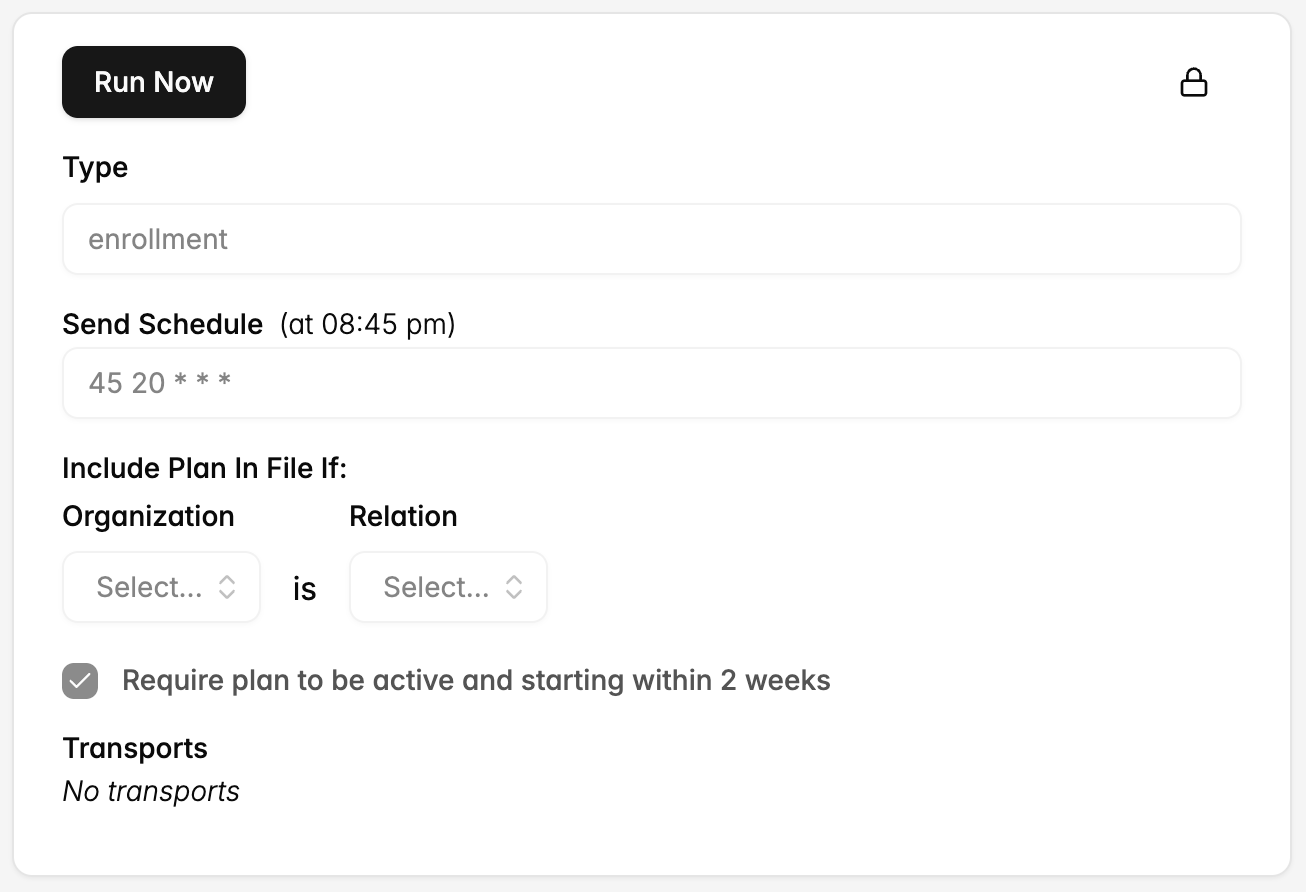
Standard report behavior
Eligibility
1. After the initial historical transfer, do you send a full census or a change file?
A full census. Every scheduled transmission contains all members for all in-scope groups, active and terminated. Yuzu does not send append files or change-only files.
2. Do termed records fall off after a certain amount of time? If so, how long?
Terminated members stay on the file for the rest of the plan year, with their termination date. They fall off when the group's policy period ends.
3. Will we always receive a termination record, or is term by omission possible?
Every member record carries an effective date and a termination date on every file. While a member is active, the termination date is the plan-year end date.
Term by omission occurs only in the cases in plan-year rollover, a group or plan that leaves the feed (i.e., removed from the vendor stack), and an annulled coverage superseded by an active coverage often in response to internal eligibility error.
4. Are there circumstances where we may see overlapping enrollment records for a member?
Yes, but this would mean they would be on two separate group policies (i.e., have insurance from two different employers). These two coverages would have unique member bases.
5. Do you provide future and retroactive terminations?
Yes, both. Future terminations appear as soon as they are filed. Retroactive terminations appear on the next file, with a termination date earlier than the file date. Yuzu does not send a correction transaction; the new date replaces the old one.
6. What is the behavior for active COBRA and COBRA eligible members?
COBRA that Yuzu administers, if premium is not paid, the termination date is set to the paid-through date. If the member pays later, a subsequent file shows a later termination date for the same span.
Report fields
Below are the fields included in each of these reports and a linked example. These reports will contain data for each group the relevant vendor is attached to. These may be out of date. Additional columns are added frequently.
Eligibility
Fields:
employeeId (9 digit ID of the subscriber)
employeeFirstName
employeeLastName
employeeGender (M or F)
employeeDob
employeeEffectiveDate
employeeAddress1
employeeAddress2
employeeCity
employeeState
employeeZip
memberFirstName
memberLastName
memberGender (M or F)
memberDob
memberRelationshipToEmployee (self, spouse, dependent)
memberEffectiveDate
groupId (4-6 character ID)
groupName (Legal name of the group)
subscriberMemberNumber (9 digit ID of the subscriber)
coverageStatus (Active, Inactive, Pending, Cobra, Annulled)
coverageType (EE, ES, EC, EF)
enrollmentTier (e.g., Gold)
employeeDateOfDeath
coverageLastUpdated
memberTerminationDate
memberTerminationReason
employeeHireDate
employeeTerminationDate
employeeTerminationReason
memberDateOfDeath
memberNumber (9 digit ID of the member)
Google drive link: https://docs.google.com/spreadsheets/d/1Nvoih3tN0heujObxKJH1pg7KQhq8YNRBa6AbmUHDeKA/edit?usp=sharing
Medical claims
Medical claim report with each line representing a code.
Fields:
memberId (9 digit ID of the member)
employeeId (9 digit ID of the subscriber)
employeeLastName
employeeFirstName
groupName (Legal name of the group)
groupNumber (4-6 character ID)
paidDate
checkNumber
patientDob
patientFirstName
patientLastName
patientRelationship (subscriber, spouse, dependent)
patientPaidAmount
claimStatus
claimNumber
providerName
claimLineNumber
discountAmount
ineligibleReason
ineligibleAmount
coinsuranceAmount
copayAmount
billedAmount
planPaidAmount
allowedAmount
dateOfServiceFromDate
dateOfServiceToDate
deductibleAmount
processedDate
cpt1
cpt2
cpt3
cpt4
cpt5
cpt6
modifierCode1
modifierCode2
modifierCode3
modifierCode4
modifierCode5
modifierCode6
icd10_1
icd10_1Description
icd10_2
icd10_3
icd10_4
icd10_5
icd10_6
networkStatus
revenueCode
ucrCode
benefitCode
benefitCodeDescription
denialCode
denialCodeDescription
providerTIN
placeOfService
units
claimType
billType
providerNPI
isCashPay
Google drive link:
Pharmacy claims
Fields:
memberId (9 digit ID of the member)
employeeId (9 digit ID of the subscriber)
subscriberFirstName
subscriberLastName
allowedAmount
billedAmount
paidDate
groupName (Legal name of the group)
groupNumber (4-6 character ID)
patientFirstName
patientLastName
patientPaidAmount
planPaidAmount
claimStatus
claimNumber
patientDob
ingredientCost
dispensingFee
administrativeFee
salesTax
coinsuranceAmount
copayAmount
deductibleAmount
fillDate
isSpecialty
drugName
dosage
medicationForm
daysSupply
genericOrFormulary
ndcCode
prescribedDate
therapeuticClass
quantity
awp
daw
nabpNumber
Google drive link:
Aggregate reports
Outbound report with all relevant aggregate reports across groups. More details here: https://yuzu.health/docs/guides/aggregate-report