

Accessing a Case
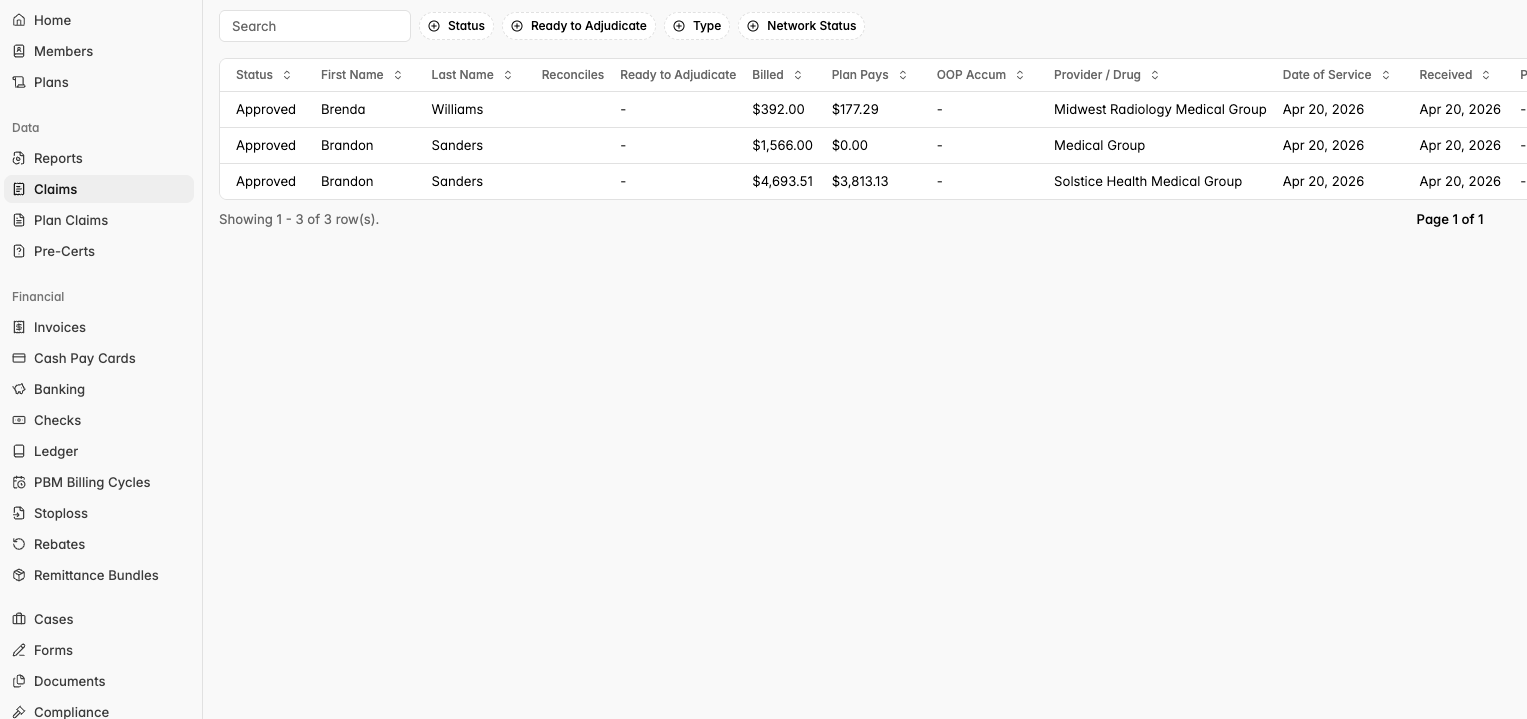
On the left-hand navigation panel, select Claims under the Data section. This will open a list of members with their claim details, including status, plan pays, OOP amounts, provider, and date of service.
From the claim list, click on the member you would like to review.
Communications & Case Status
Once inside a member’s case, you can view all activity in the case feed.
This log shows such as status changes and comments, along with the timestamp and user who made each update.
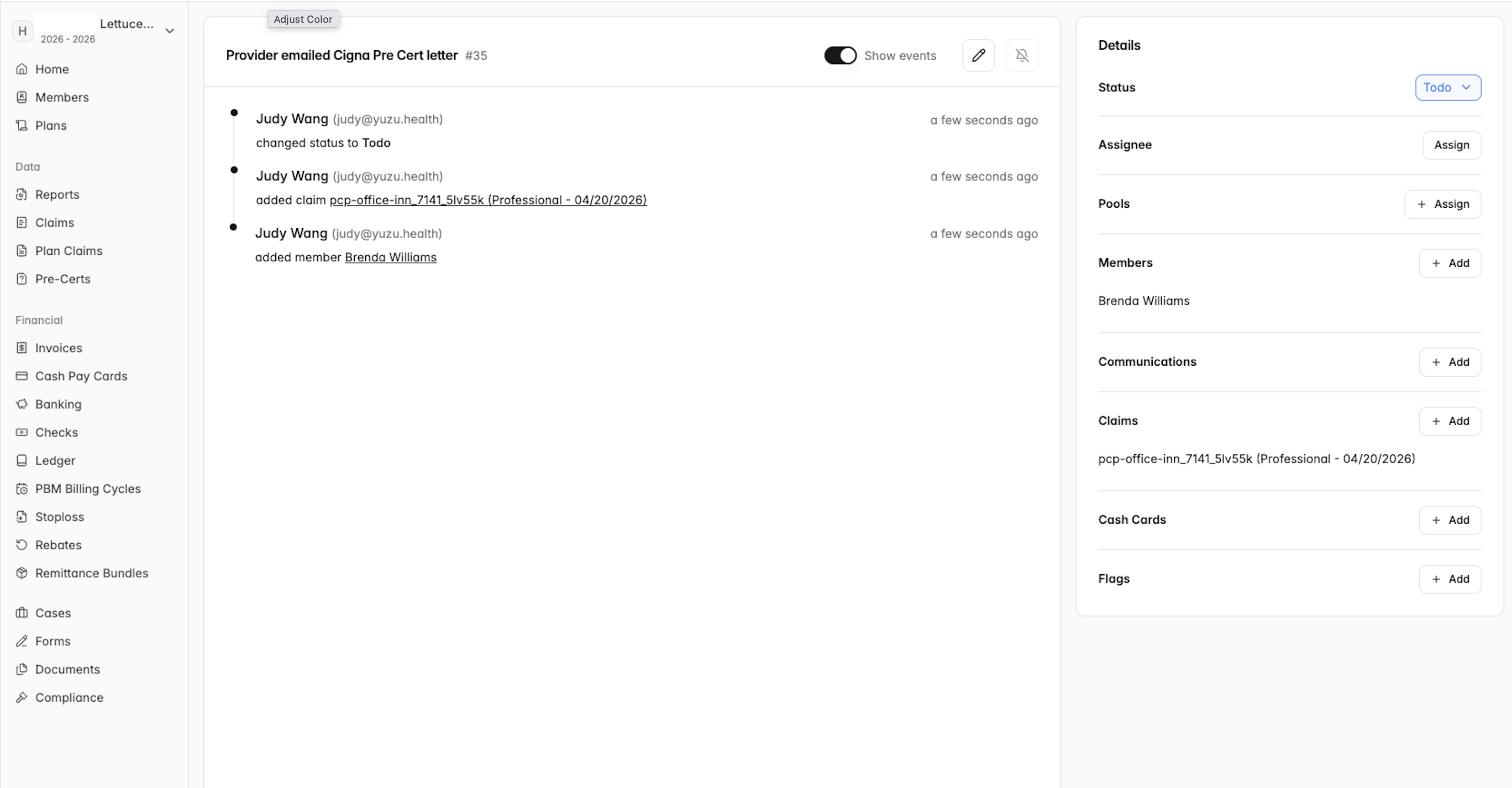
On the right-hand panel, you will find key details including: Status, Assignee, Pools*
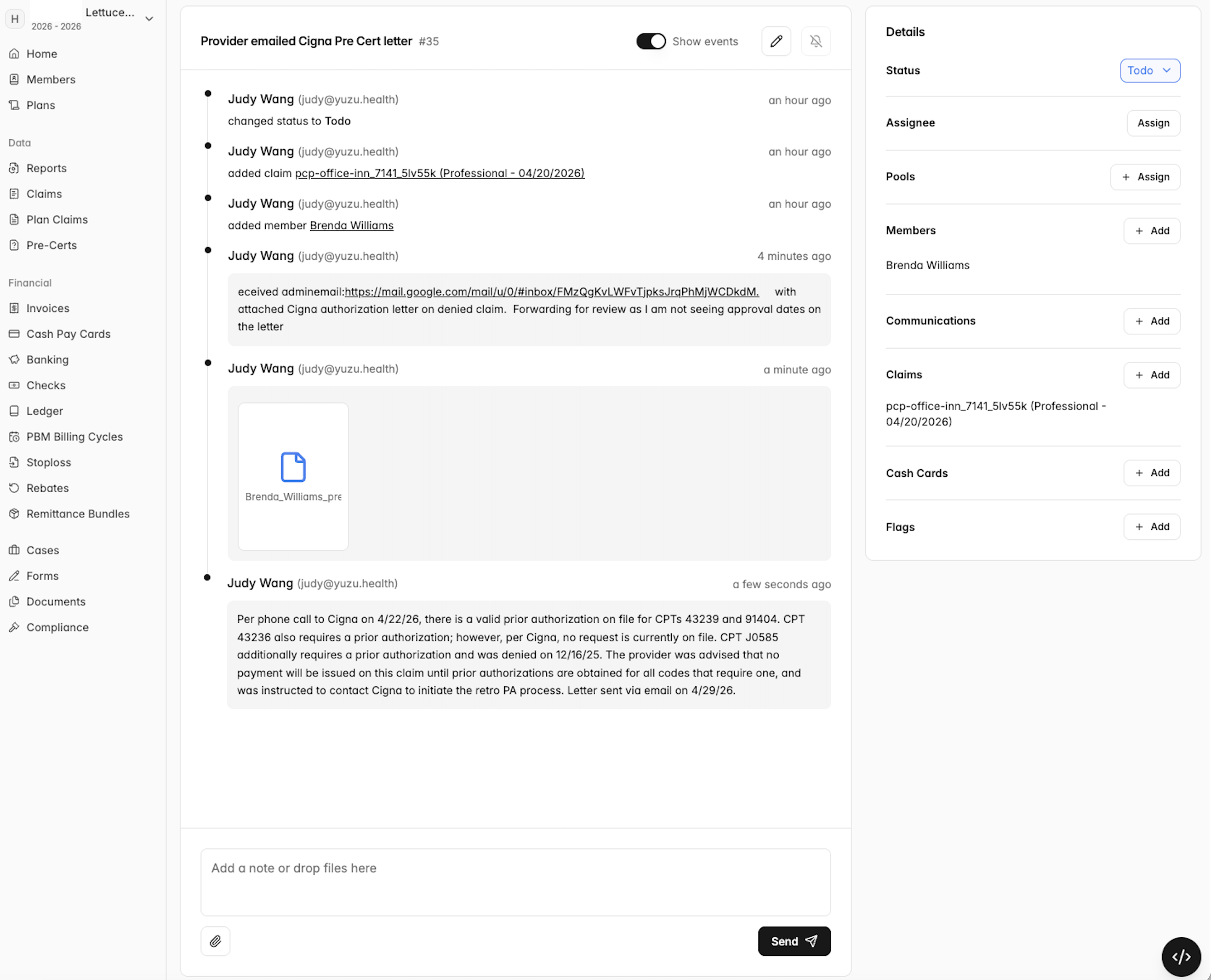
⚠️ Important: There are no automatic email notifications for new messages. You must log into the portal and check each member's case for updates.
Case Information: timing and types
Most cases are created after a service has been rendered.
Providers have up to 180 days from the processing of the claim to submit a case appeal.
Common case types include: Pre-authorization, Re-pricing, Network issues.
Closing a Case
Yuzu manages all communications directly with providers throughout the case process. Once the case has been successfully processed, Yuzu will mark the case as "Resolved." This status update serves as confirmation that the case has been completed and no further action is needed.
If the case is upheld, PDs will have access to a letter of communication between Yuzu and the provider.
Until a case is marked resolved, continue to manually check the portal regularly for any updates or new communications.
*Pools are what we call the designated Subject Matter Expert (SME) team assignments»Individuals who are assigned within a Pool will get notifications any time a case is sent to that Pool., Members, Communications, Claims, Cash Cards, and Flags.